Fixed-watermark removal
Draw a box over a static logo, bug, or timestamp. Smart Fill, Soft Blur, or Mosaic.
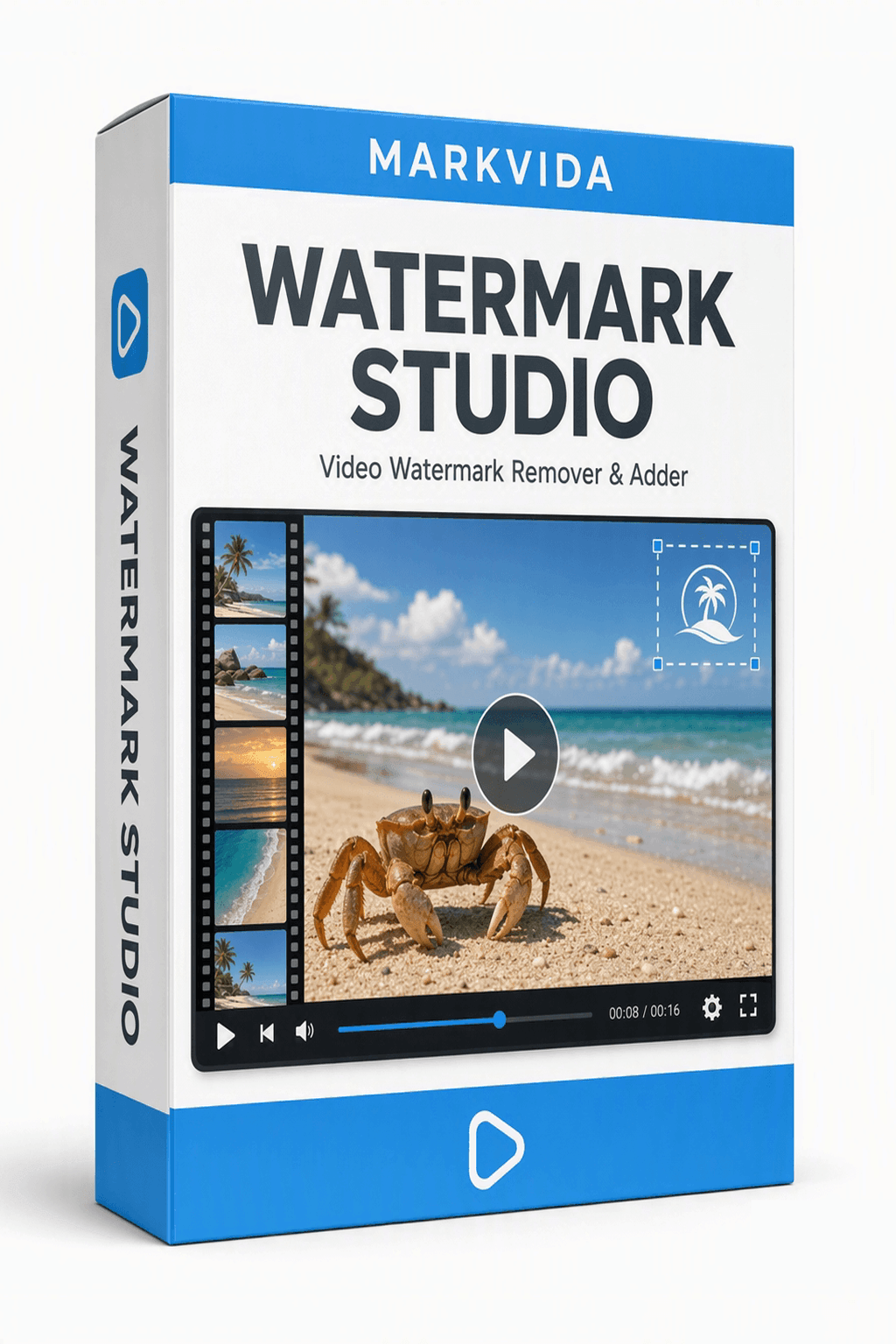
Video watermark remover & adder
Markvida Watermark Studio is a desktop tool for creators, sellers, and studios who process videos in volume. Draw a box over a static watermark, then add your own text or logo — in one batch, fully offline.
Windows 10 / 11, portable ZIP. Trial processes the first 10 seconds of each video with a small Trial Version mark.
Monthly, yearly, or lifetime. Full remove + add after activation. One license = one computer.
Features
One setup applies across dozens or hundreds of clips, auto-scaled to each resolution.
Draw a box over a static logo, bug, or timestamp. Smart Fill, Soft Blur, or Mosaic.
Editable text and PNG/JPG overlays. Drag to position, scale, and rotate on the preview.
Apply a removal region to the whole clip, or only the window where the mark appears.
Render a short preview clip before you commit the full batch.
Markvida Watermark Studio is designed for static, fixed-position watermarks. Moving or animated watermarks are not supported. On complex or highly textured backgrounds, faint traces may remain — use the 5-second preview to check results before batch processing.
How it works
Screenshots
Draw a region, preview five seconds, then run the batch.
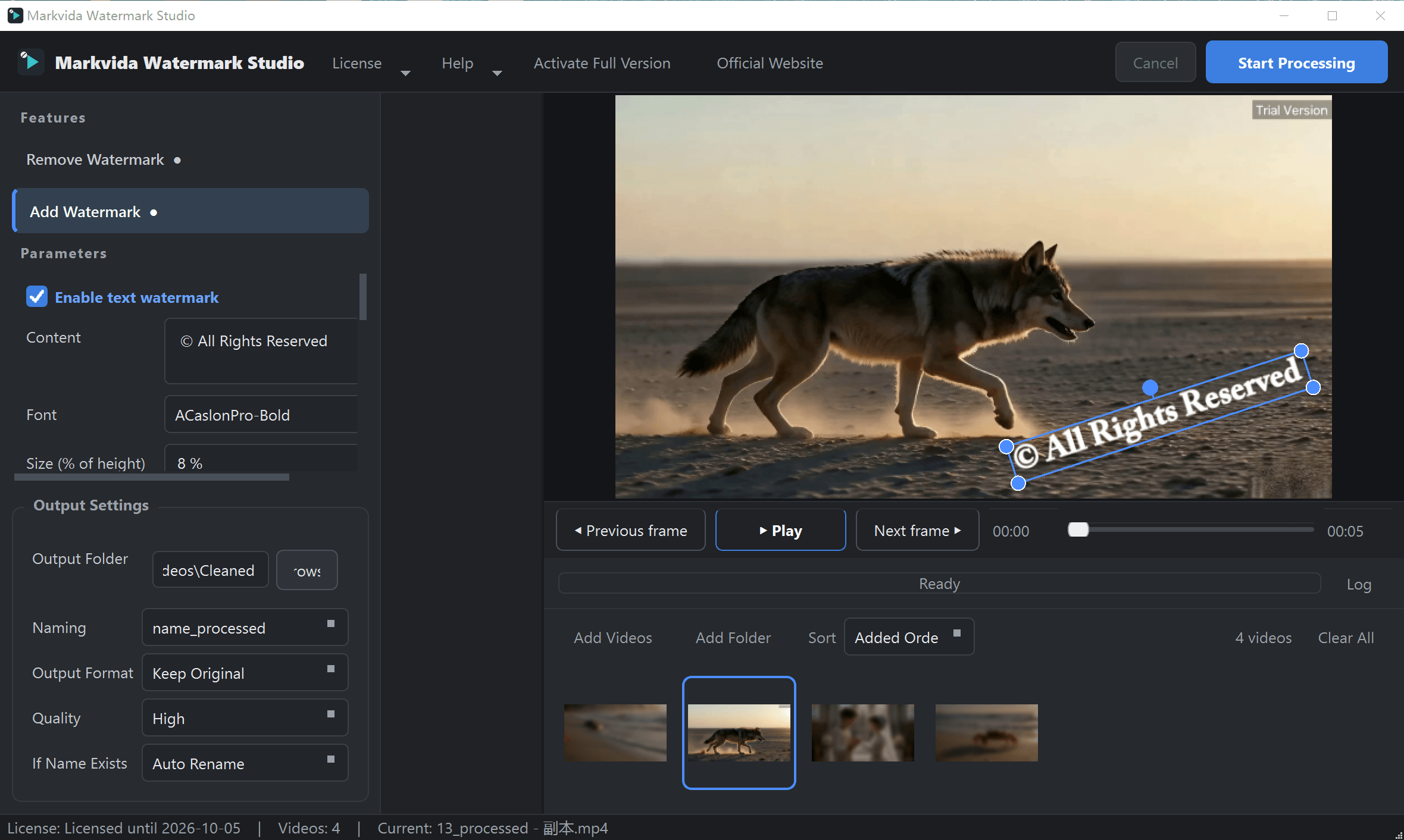
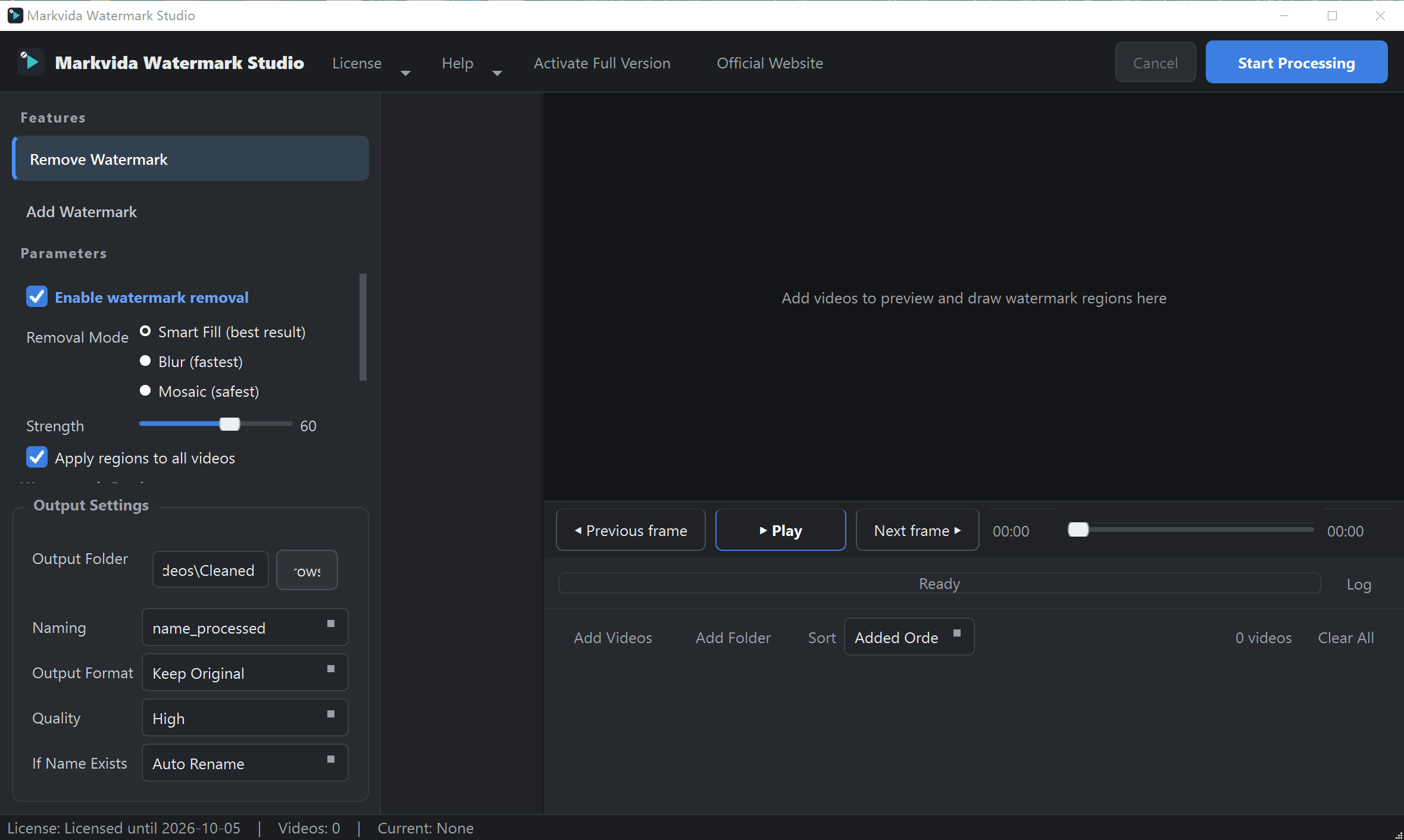
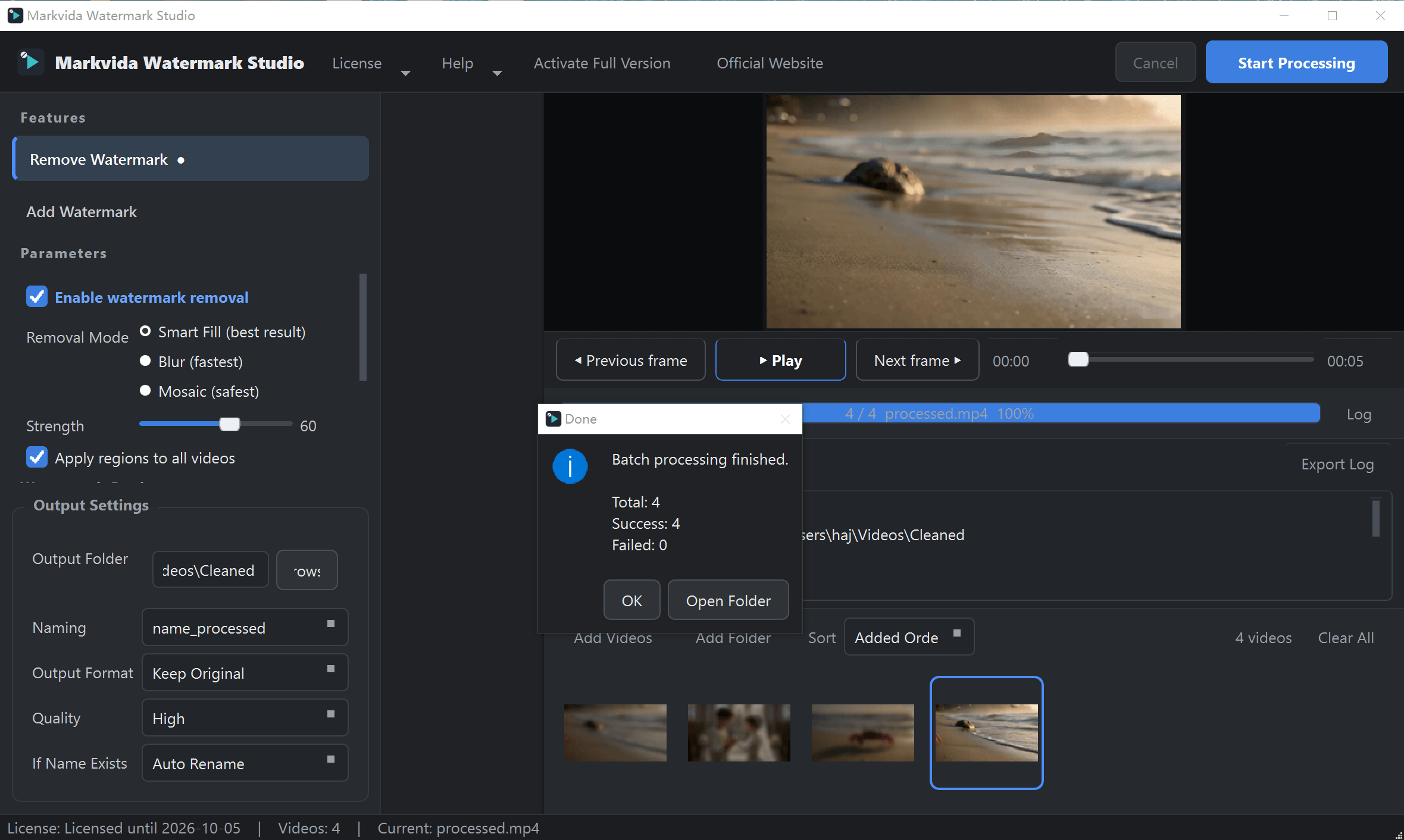
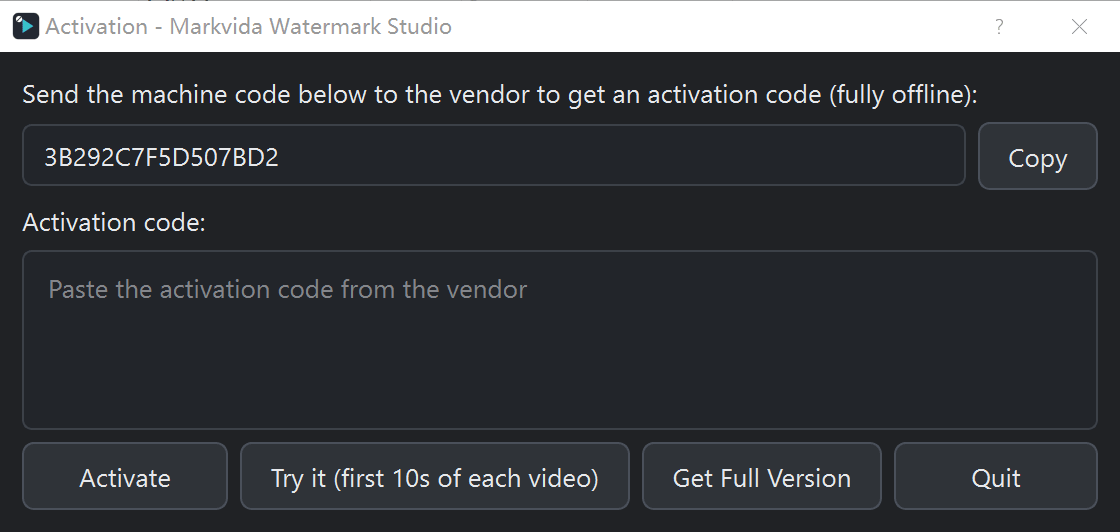
Offline activation with a 16-character machine code.
The 5-second preview shows exactly what the paid version will produce on your footage.
Download
The trial runs immediately. No installer, no sign-up.
Batch video watermark remover & adder for Windows 10 / 11
Unlimited trial runs. Activate any paid plan to process full-length videos without the trial mark.
| Operating system | Windows 10 / 11 (64-bit). macOS and Linux are not supported. |
|---|---|
| Processor | Any modern multi-core CPU. No GPU required. |
| Memory | 4 GB minimum, 8 GB recommended. |
| Disk | 1 GB free space, plus room for output videos. |
| Internet | Not required. Needed only to purchase and download. |
Get the portable ZIP. The trial runs as soon as you unzip it.
Double-click MarkvidaWatermarkStudio.exe. No registry, no leftovers.
Draw a box to remove a mark, or drag a text/logo watermark into place. Preview 5 seconds.
Choose an output folder and hit Start Processing.
Buy
All plans include removal + adding, unlimited videos after activation. One license = one computer.
Monthly
$7.99 / month
For trying it in real work or covering a short production window.
Buy monthly
Yearly
$15.99 / year
Best if you use it weekly. Updates and support while the plan is active.
Buy yearly
Lifetime
$39.99 one-time
Use forever on this PC. Includes updates for the current major version.
Buy lifetimeCheckout links will be added here. Until then, email markvidabatch@outlook.com after you choose a plan.
1. Choose a plan and pay securely via card / PayPal.
2. Open the app and copy your 16-character machine code.
3. Reply to your order email with the machine code.
4. Receive your activation code (within 24 hours), paste it in, click Activate. Activation is fully offline.
Monthly and yearly plans include updates while active. Lifetime includes all updates for the current major version.
FAQ
Not always, and we say so up front. The tool is built for static, fixed-position watermarks. On smooth backgrounds the result is usually clean; on busy or moving backgrounds faint traces can remain. That is why we include the 5-second preview.
No. Watermarks that move, fade, or follow the camera are not supported in this version.
This product focuses on video. For batch image watermarking, use Markvida Batch. For convert, compress, and rename, use Markvida Toolkit. To sort trail-cam or family photos with AI, use Markvida TrailSort.
Never. All processing happens on your computer. After activation, the software works without internet.
Unlimited runs, but each output is limited to the first 10 seconds and carries a small Trial Version corner mark.
One. Licenses are bound to a machine code. Contact us for multi-license discounts or a genuine hardware change.
Download the free trial. No account, no sign-up, 100% offline.
Questions? markvidabatch@outlook.com