Batch format conversion
JPG, PNG, BMP, WebP, TIFF, GIF, HEIC/HEIF, and AVIF. iPhone HEIC photos become marketplace-ready JPGs in seconds.
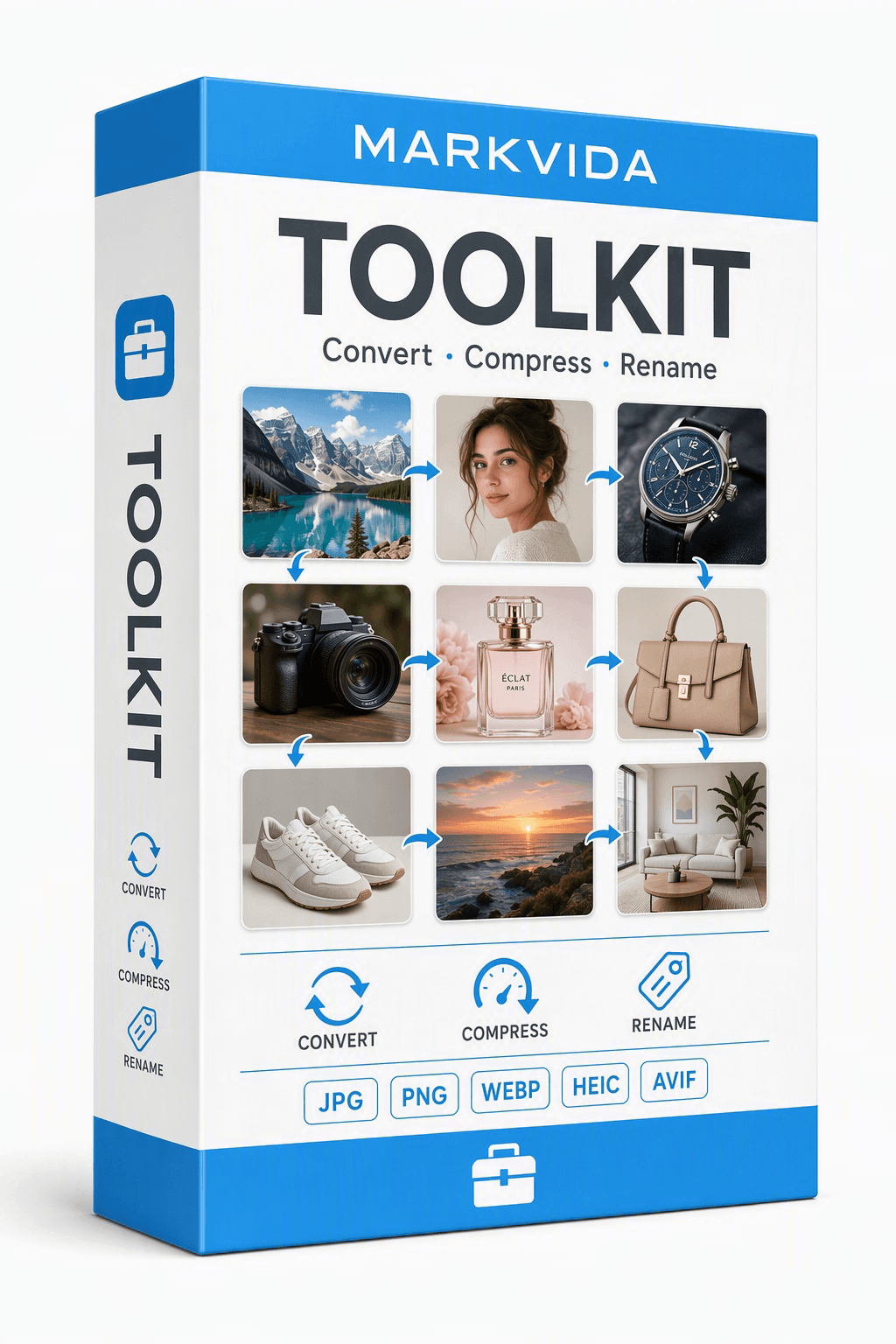
Batch image toolkit
Markvida Toolkit is a fully offline batch image toolbox for Windows, built for sellers, photographers, and creators who handle hundreds of photos every day.
Windows 10 / 11, portable ZIP. Full features, up to 3 images per run. No account, no install.
Monthly, yearly, or lifetime. Same feature set on every plan. One license = one computer.
Features
Format conversion, compression, and smart renaming — with live preview and a bilingual dark UI.
JPG, PNG, BMP, WebP, TIFF, GIF, HEIC/HEIF, and AVIF. iPhone HEIC photos become marketplace-ready JPGs in seconds.
Quality-first (75–85 visually lossless) or a hard KB target. Smart PNG quantization. If the result is larger, the original is kept.
Templates from EXIF — date, camera, lens, ISO, sequence. A live mapping table shows every old name before anything is written.
How it works
Drag in a folder, preview the result, then run the batch. Originals stay untouched by default.
Screenshots
Convert, compress, or rename — one dark workspace, live preview, and a completion summary.
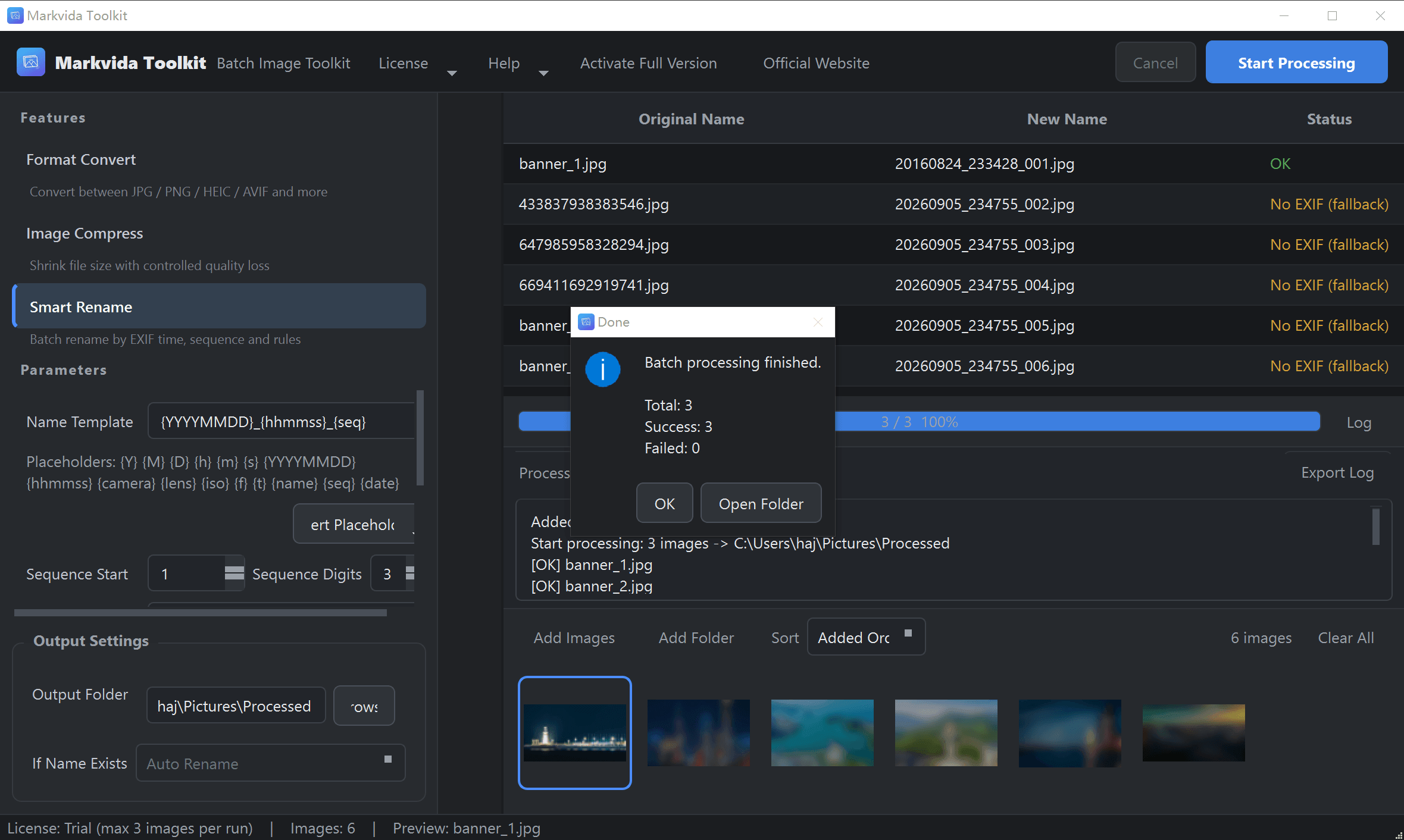
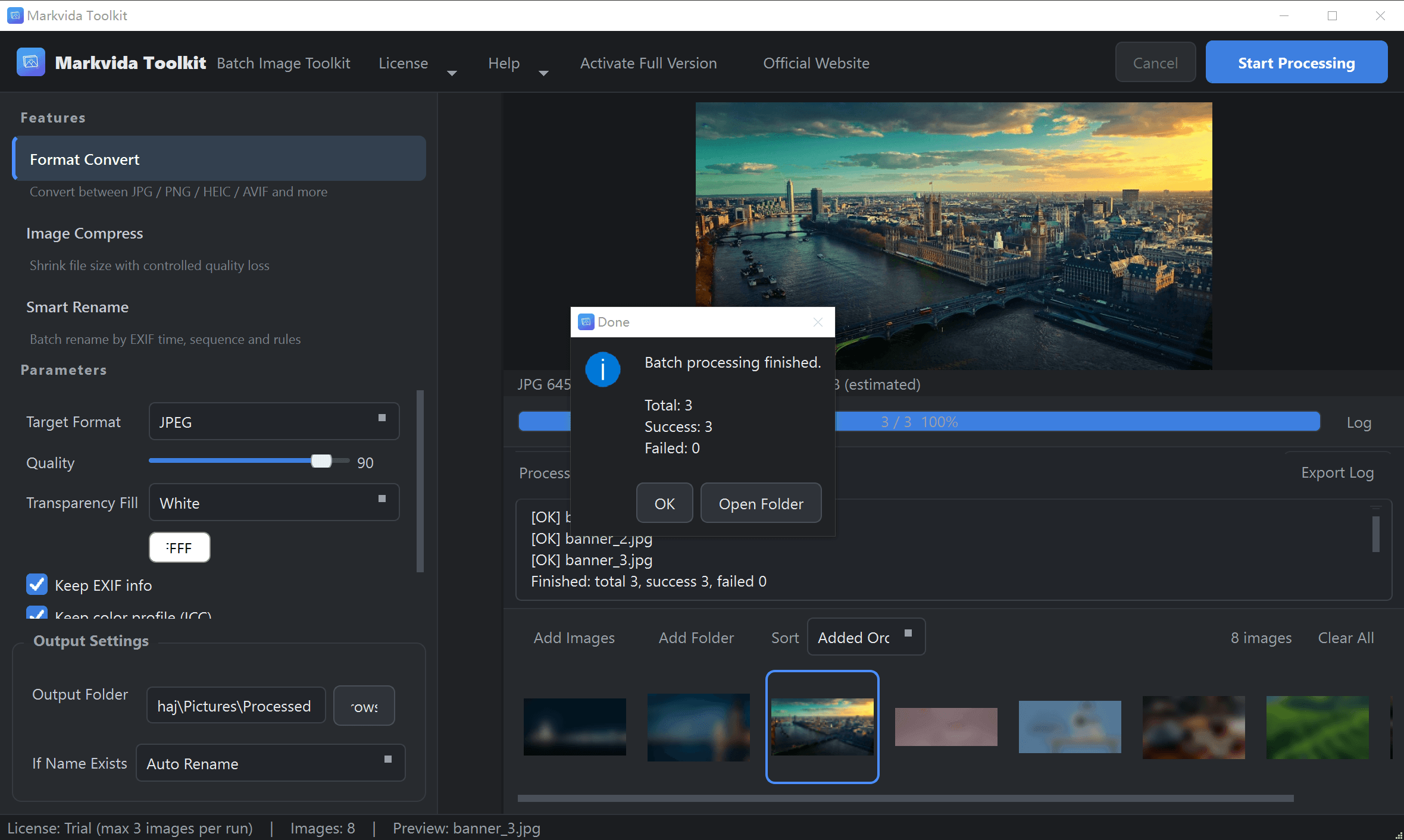
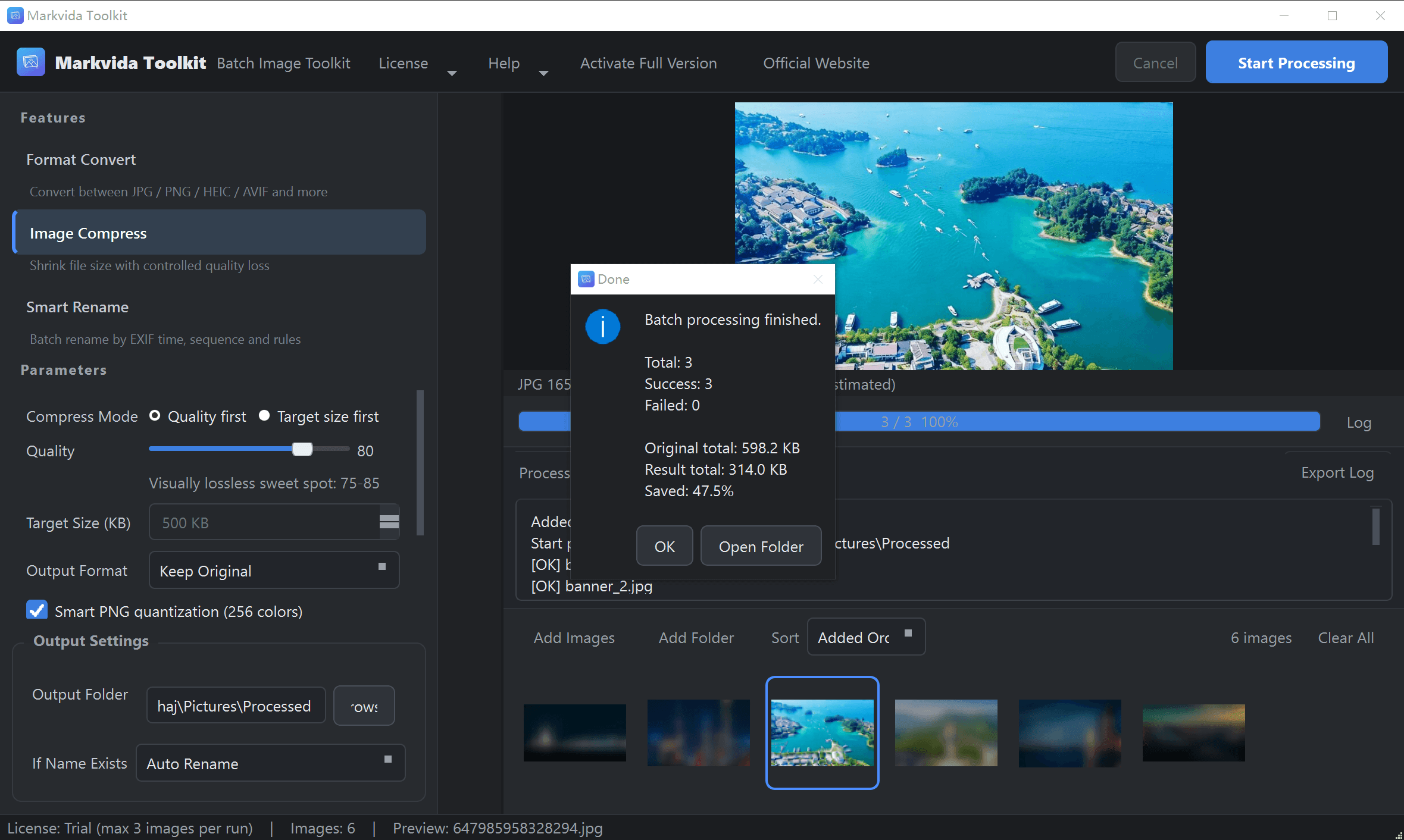
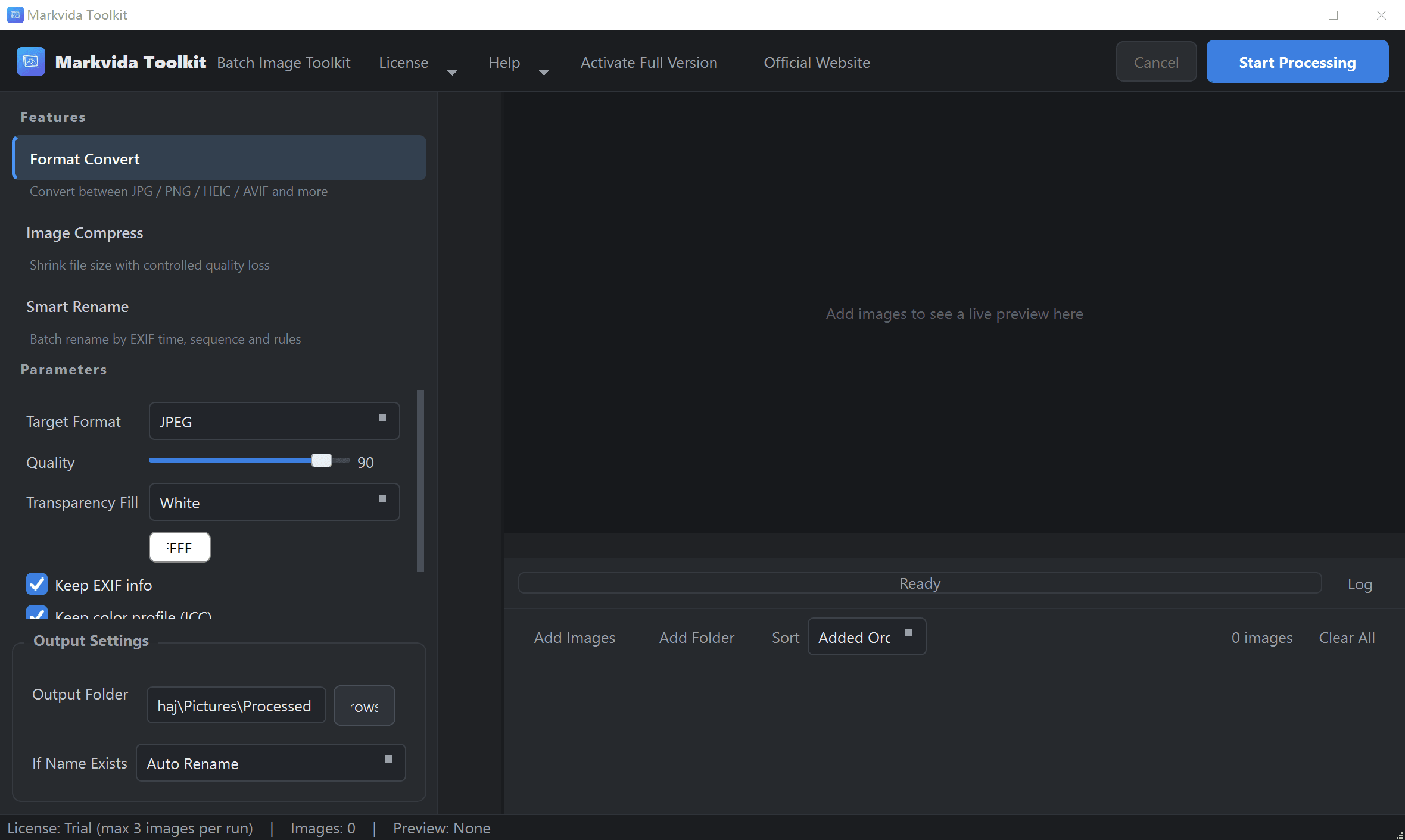
Drop a folder, pick Convert / Compress / Rename, then hit Start Processing.
The mapping table and live preview update as you type. Nothing is written until you click Start.
Download
Unzip and run. No installer, no account, no internet required to process images.
Batch image toolkit — convert, compress, rename on Windows 10 / 11
The trial is unlimited in time. Activate any paid plan to remove the 3-image cap.
| Operating system | Windows 10 / 11 (64-bit). macOS and Linux are not supported. |
|---|---|
| Processor | Any modern dual-core CPU or better. |
| Memory | 4 GB minimum, 8 GB recommended for large batches. |
| Disk | ~150 MB for the app, plus space for output images. |
| Display | 1366 × 768 or higher. |
| Internet | Not required. Processing and activation work offline. |
| Permissions | Standard user account. No administrator rights. |
Extract the ZIP anywhere and double-click MarkvidaToolkit.exe.
Drag files or a folder. Pick Convert, Compress, or Smart Rename.
Check the live preview, then hit Start Processing. Originals stay put by default.
Includes direct conversion of iPhone HEIC photos.
English (default) and 中文. No account, no tracking.
Buy
Every plan unlocks the full toolkit. One license = one computer. No auto-renewal.
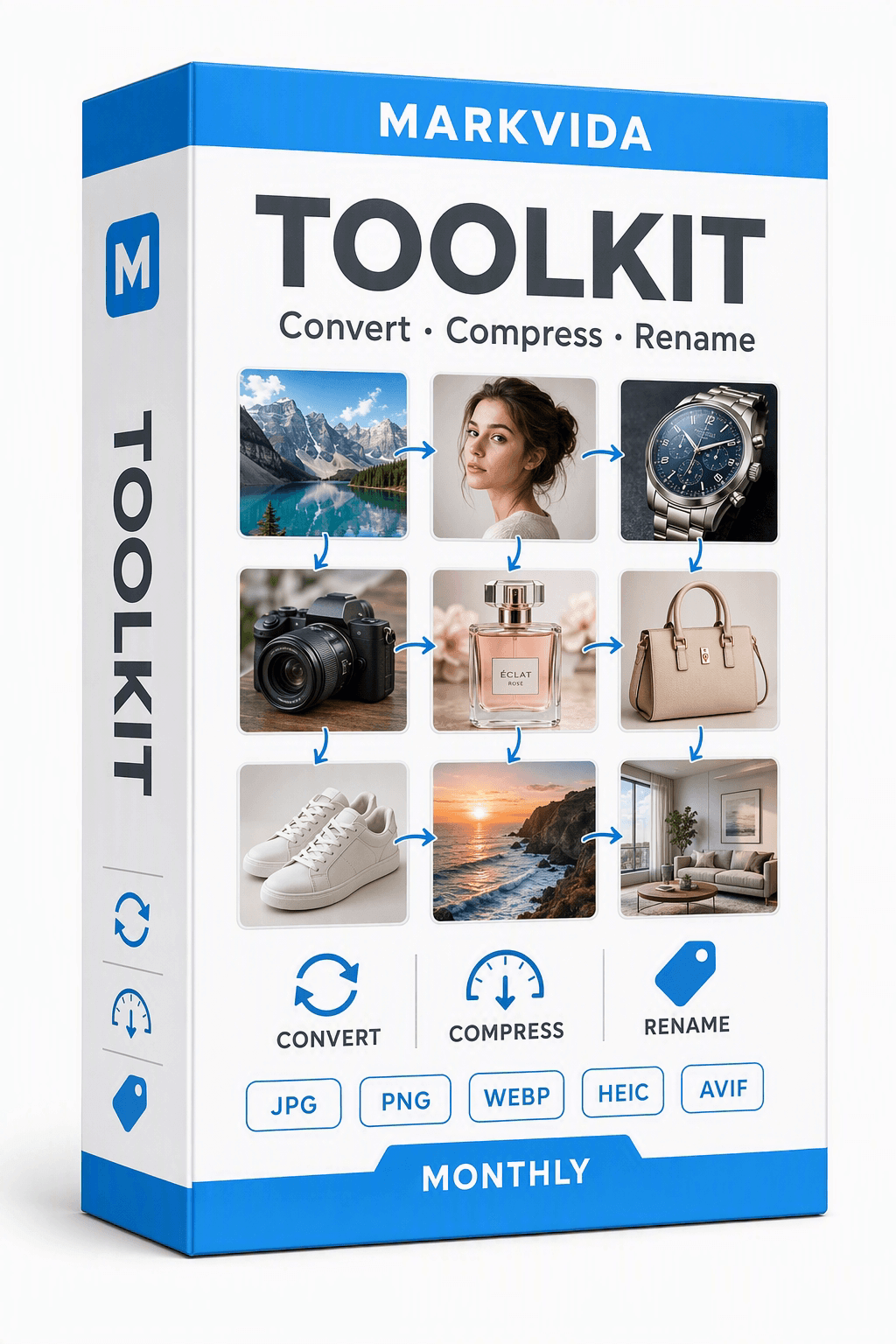
Monthly
$4.99 / month
For a seasonal catalog or a short burst of photo work. We never store a card on file.
Buy monthly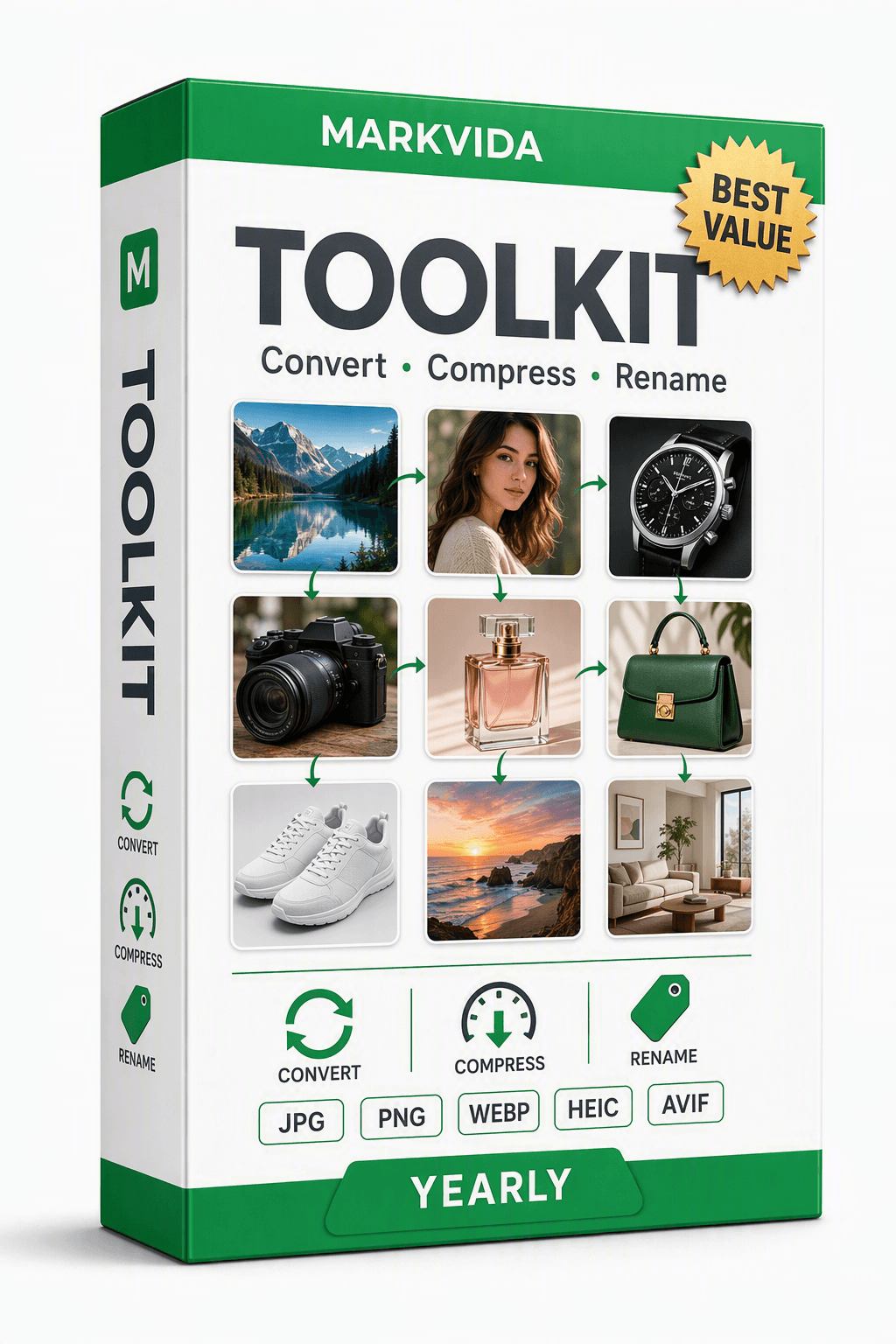
Yearly
$15.90 / year
Save versus monthly if you convert, compress, or rename every week. Updates while the plan is active.
Buy yearly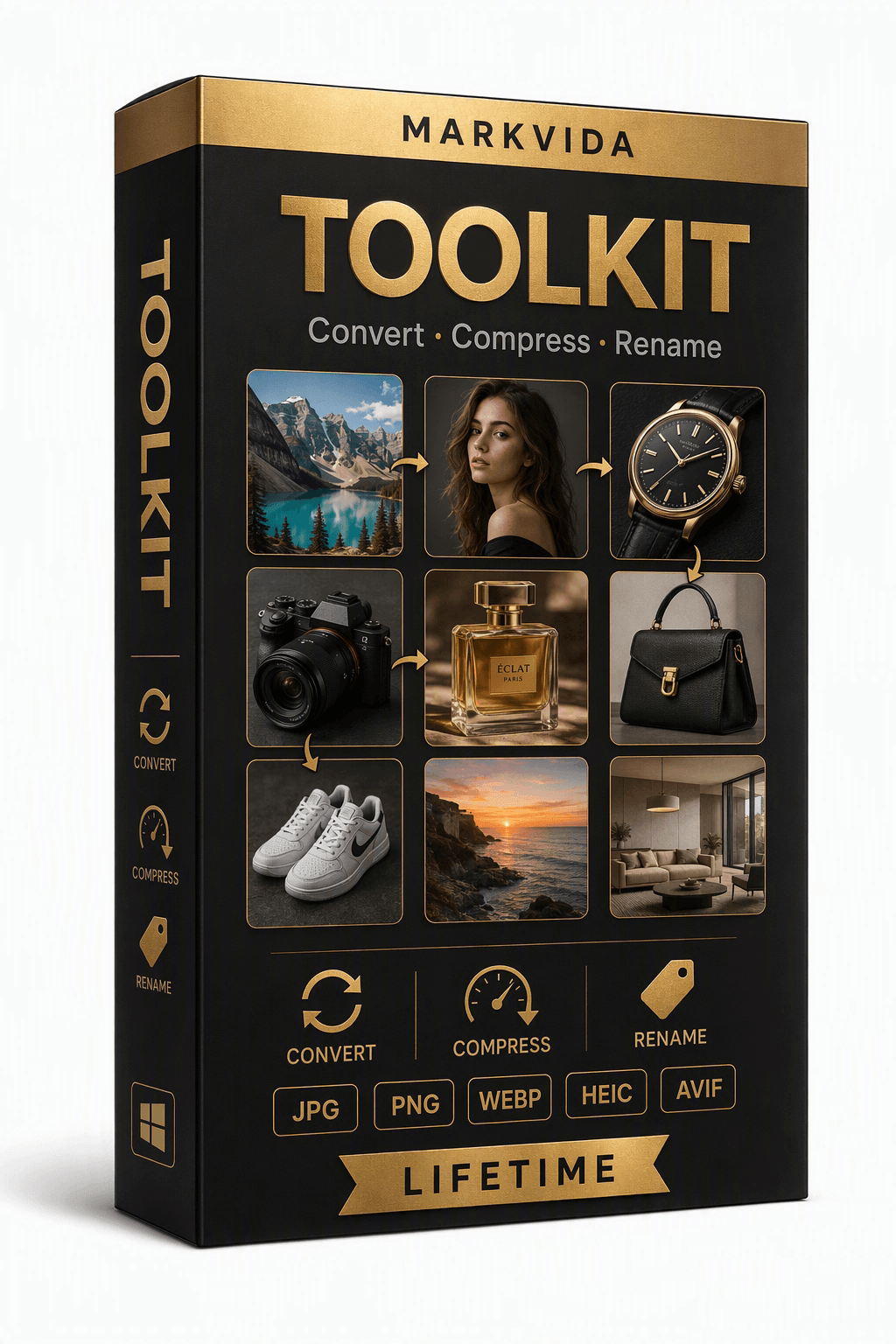
Lifetime
$23.90 one-time
Use forever on this PC. Includes free minor updates for the current major version.
Buy lifetimeCheckout links will be added here. Until then, email markvidabatch@outlook.com after you choose a plan. Need more than one seat? Ask us about volume pricing.
1. Download the free trial and try every feature (up to 3 images per run).
2. Copy your 16-character machine code from the activation window.
3. Choose a plan and pay securely (card / PayPal). Paste the machine code into the order form, or email it to us.
4. Receive your activation code by email (within 24 hours), paste it in, click Activate — fully offline from then on.
Convert, compress, and smart rename. Unlimited images per batch after activation. English and 中文. One license is bound to one computer.
We never store your payment information. Monthly and yearly plans stay active for their term. When a term ends, you choose whether to buy again. Lifetime never expires.
FAQ
No. Markvida Toolkit is 100% offline. Images are processed locally. There is no account system and no analytics.
Everything. You can process up to 3 images per run, forever, with no registration.
No. By default, results go to an output folder you choose. Rename-in-place is opt-in with a confirmation prompt.
One. Contact us with your order email if you replace your PC — we reset the license free of charge.
Use Markvida Batch for image watermarks, or Markvida Watermark Studio for video. To sort trail-cam or family photos with AI, use Markvida TrailSort.
Download the free trial. No account, no sign-up, 100% offline.
Questions? markvidabatch@outlook.com