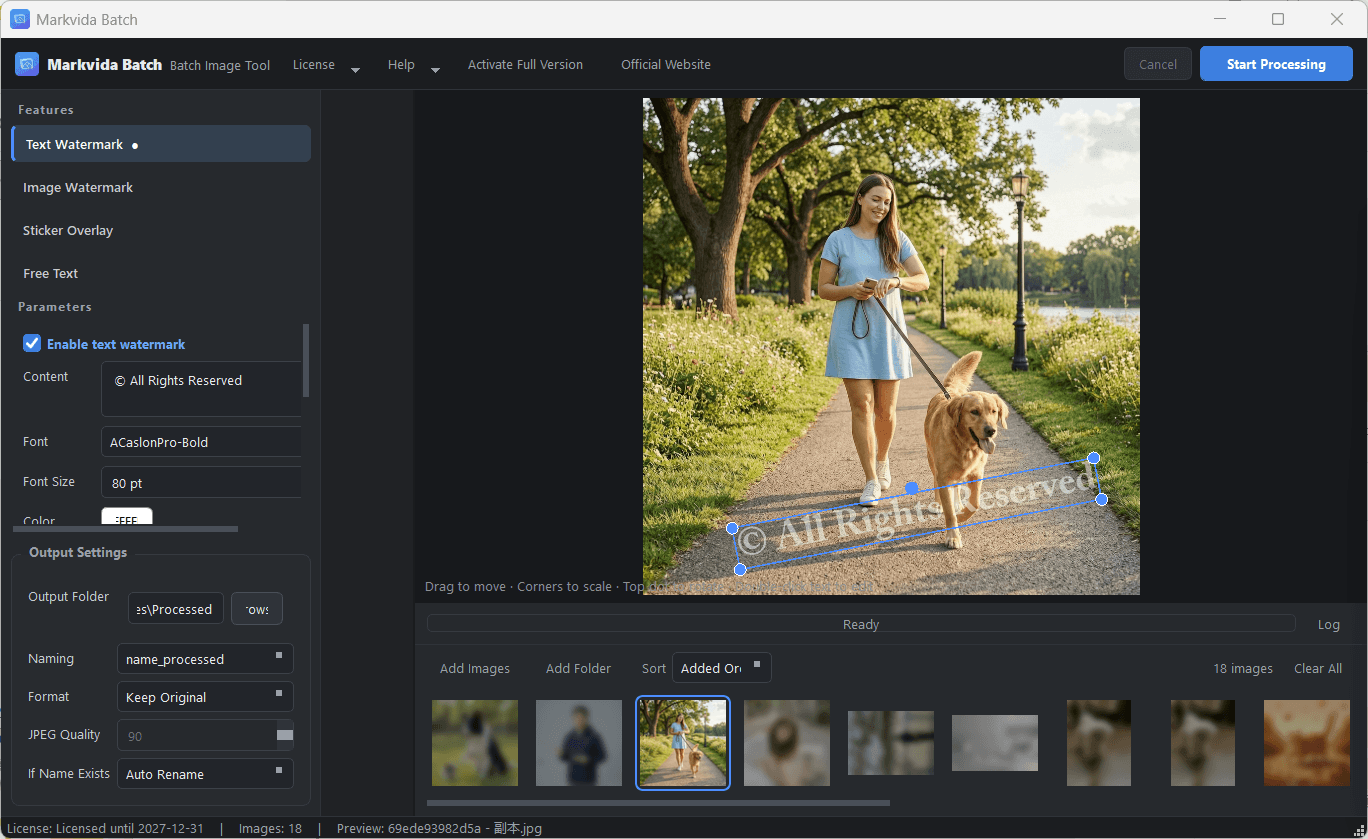
Text watermark
Custom text with font, size, color, opacity, rotation, and tile mode.
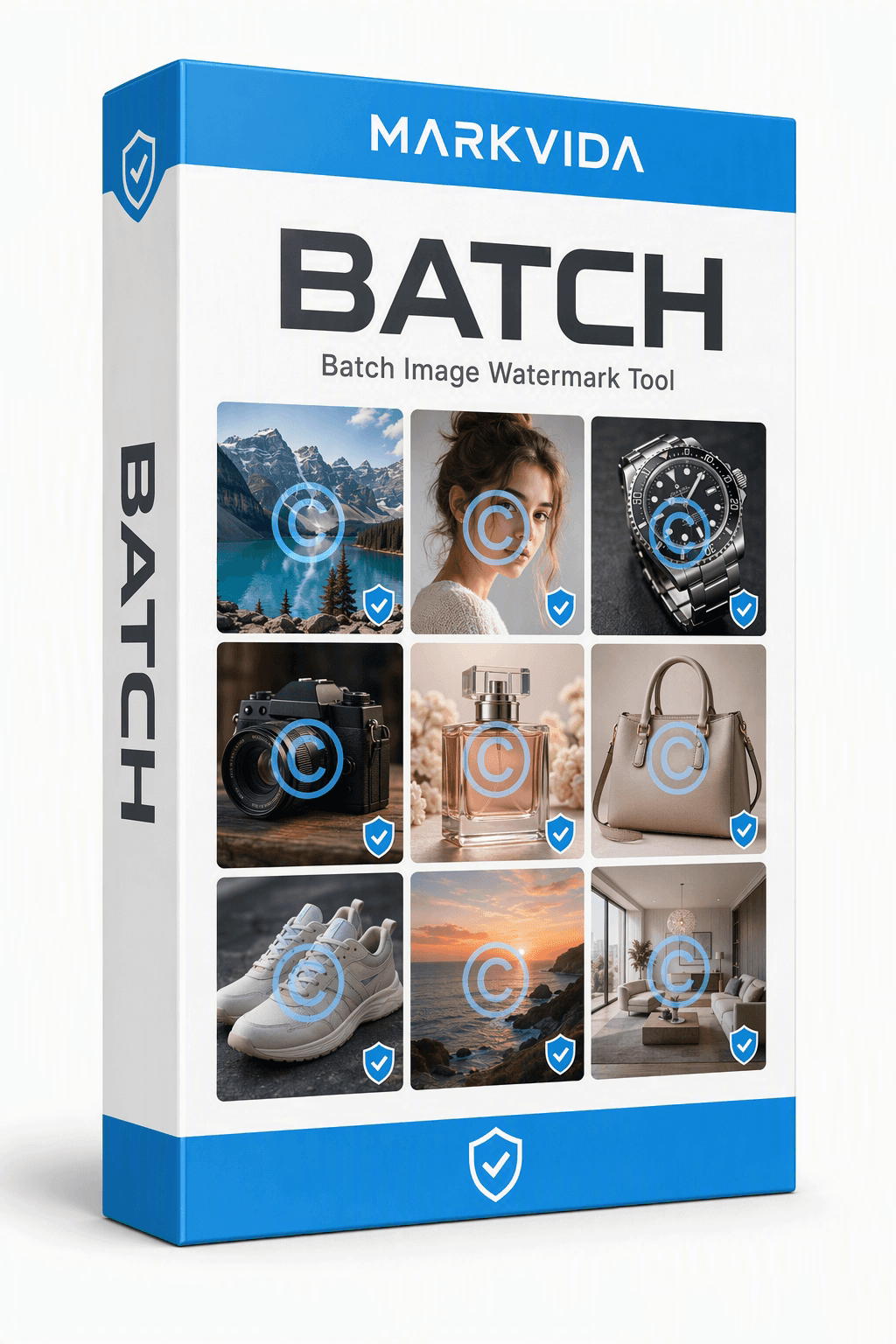
Batch image watermark tool
Stop image theft and skip hours of manual work. Markvida Batch applies text, logo, sticker, and caption watermarks across hundreds of photos — fully offline on Windows.
Windows 10 / 11, portable ZIP. Trial unlocks every feature, up to 3 images per run. No account required.
Monthly, yearly, or lifetime. Same full feature set on every plan. One license = one computer.
Features
Watermark an entire catalog in one pass — no Photoshop, no manual work.
Custom text with font, size, color, opacity, rotation, and tile mode.
Stamp your logo with adjustable scale, opacity, and rotation.
Batch-apply decorative or branding graphics across a folder.
Drag in files or folders. Multi-threaded processing with live progress.
How it works
Text, logos, stickers, and captions — applied across hundreds of images in seconds.
Screenshots
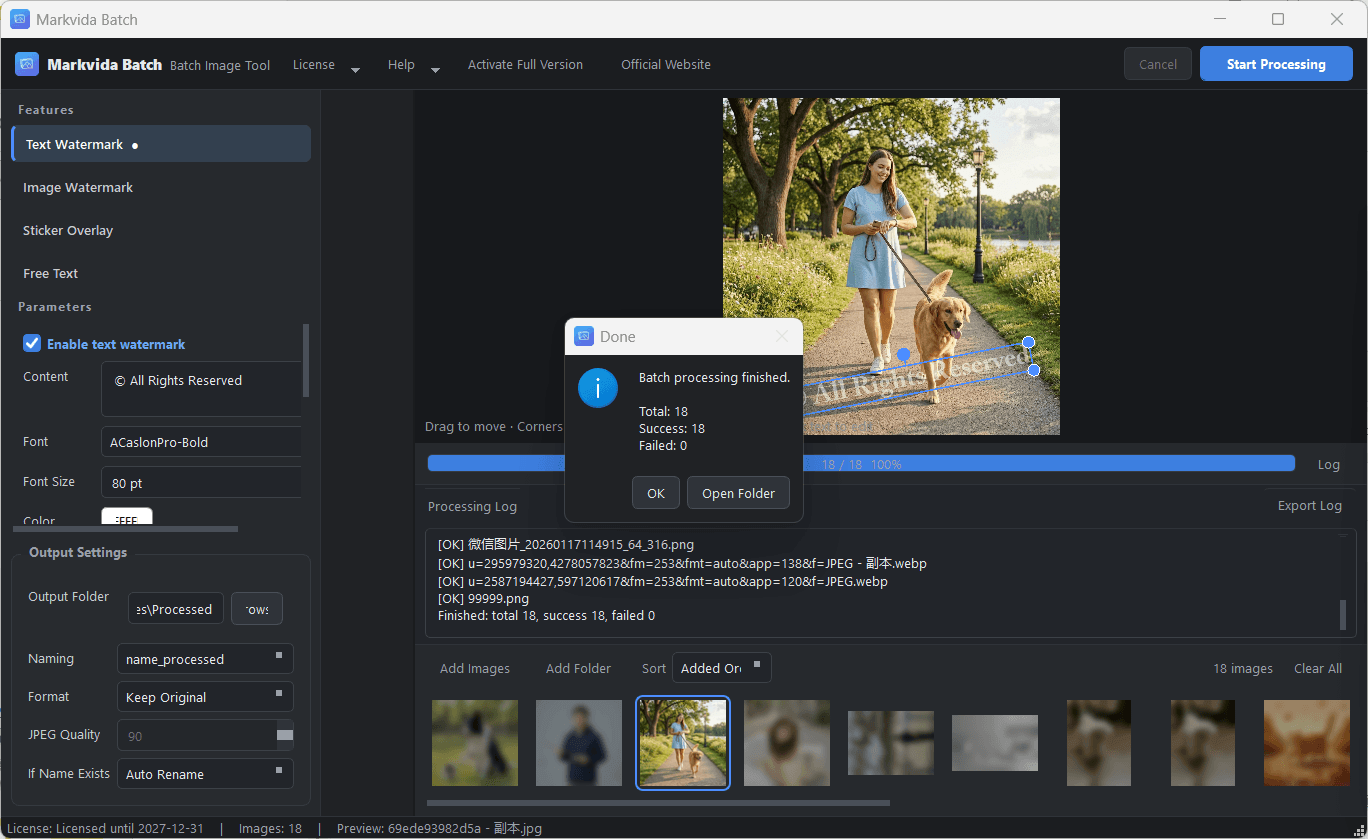
One screen for layers, preview, queue, and output settings.
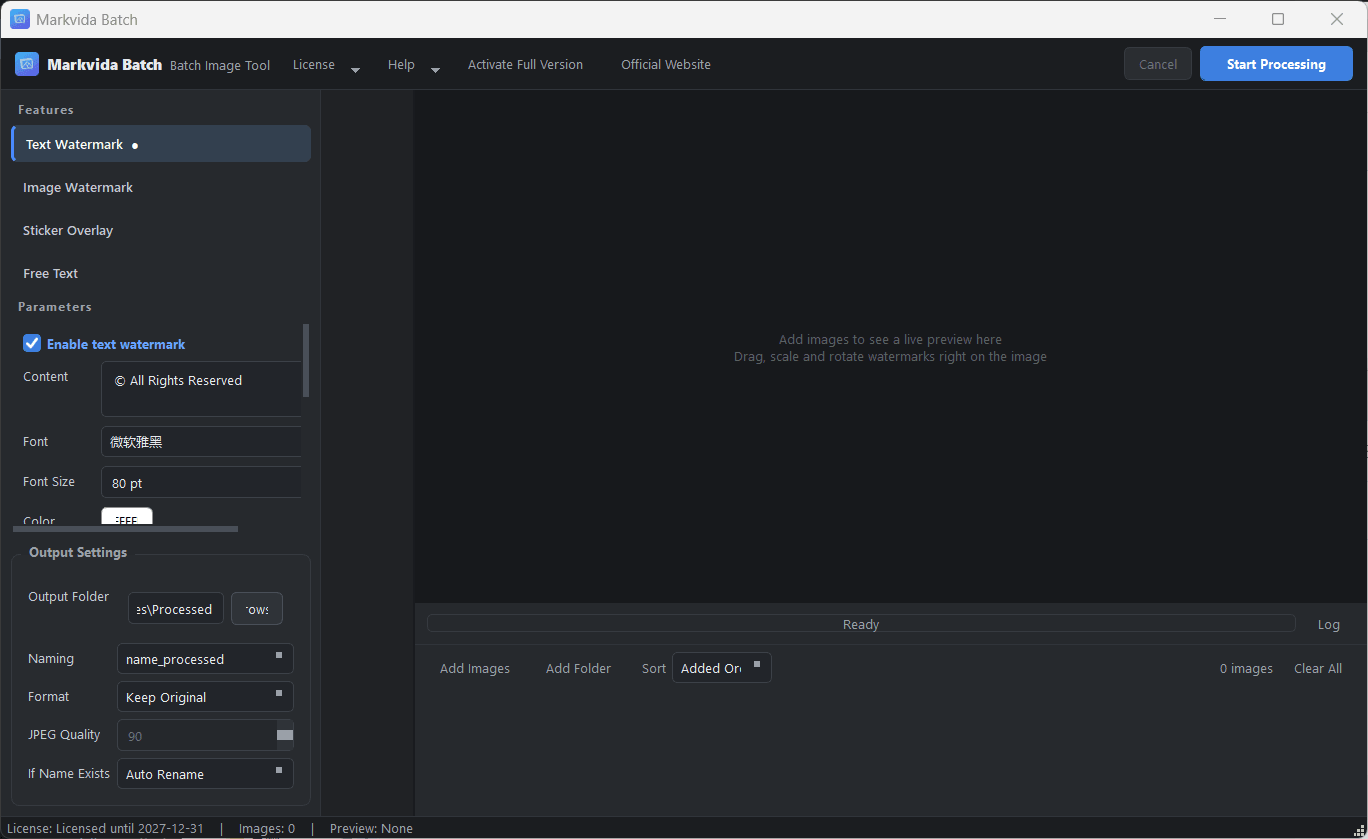
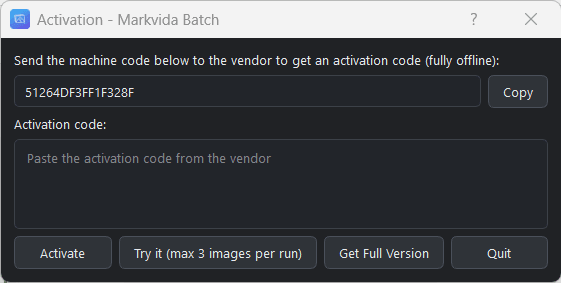
Offline activation: copy your 16-character machine code, paste the license, done.
Set format, quality, and naming before you start. Results land in the folder you choose.
Download
Unzip and run. No installer, no account, no internet required to process images.
Batch watermark & image processor for Windows 10 / 11
The trial is unlimited in time. Activate any paid plan to remove the 3-image cap.
| Operating system | Windows 10 / 11 (64-bit). macOS and Linux are not supported. |
|---|---|
| Processor | Any modern x64 CPU. Multi-core recommended for faster batches. |
| Memory | 4 GB minimum, 8 GB recommended. |
| Disk | 500 MB for the app, plus space for output images. |
| Display | 1280 × 800 or higher. 4K / high-DPI scaling is supported. |
| Internet | Not required. Processing and activation work offline. |
| Permissions | Standard user account. No administrator rights. |
Extract the ZIP anywhere and double-click MarkvidaBatch.exe.
Drag files or a folder into the app. Add text, logo, sticker, or free-text layers.
Set format, quality, and naming, then hit Start Processing.
Adjustable quality for JPG and PNG.
Buy
Every plan unlocks the full feature set. One license = one computer. No auto-renewal.
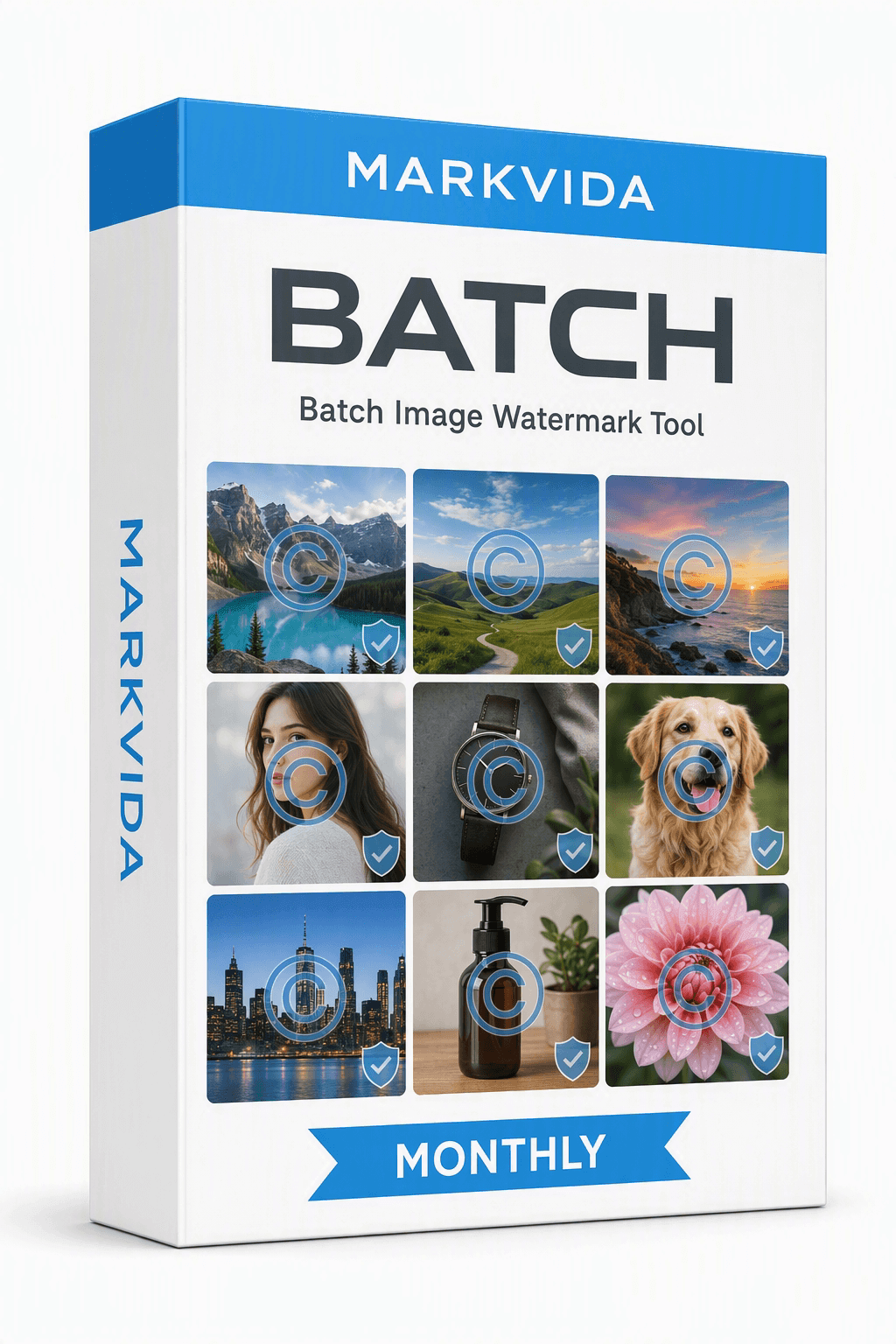
Monthly
$7.99 / month
Seasonal campaigns and short bursts of work. Cancel anytime — we never store a card on file.
Buy monthly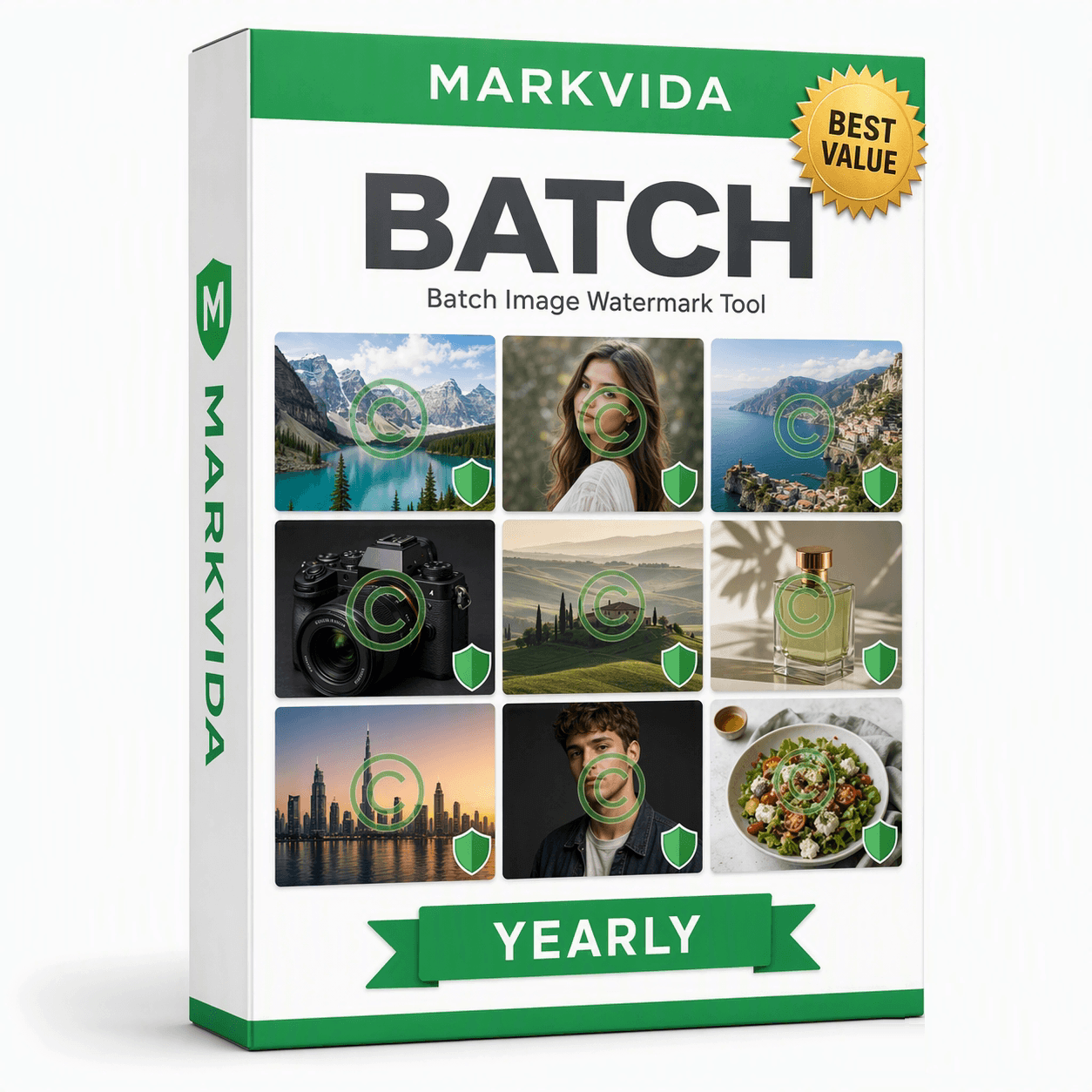
Yearly
$19.99 / year$29.99
Best for sellers and photographers who watermark every week. Updates and support for 12 months.
Buy yearly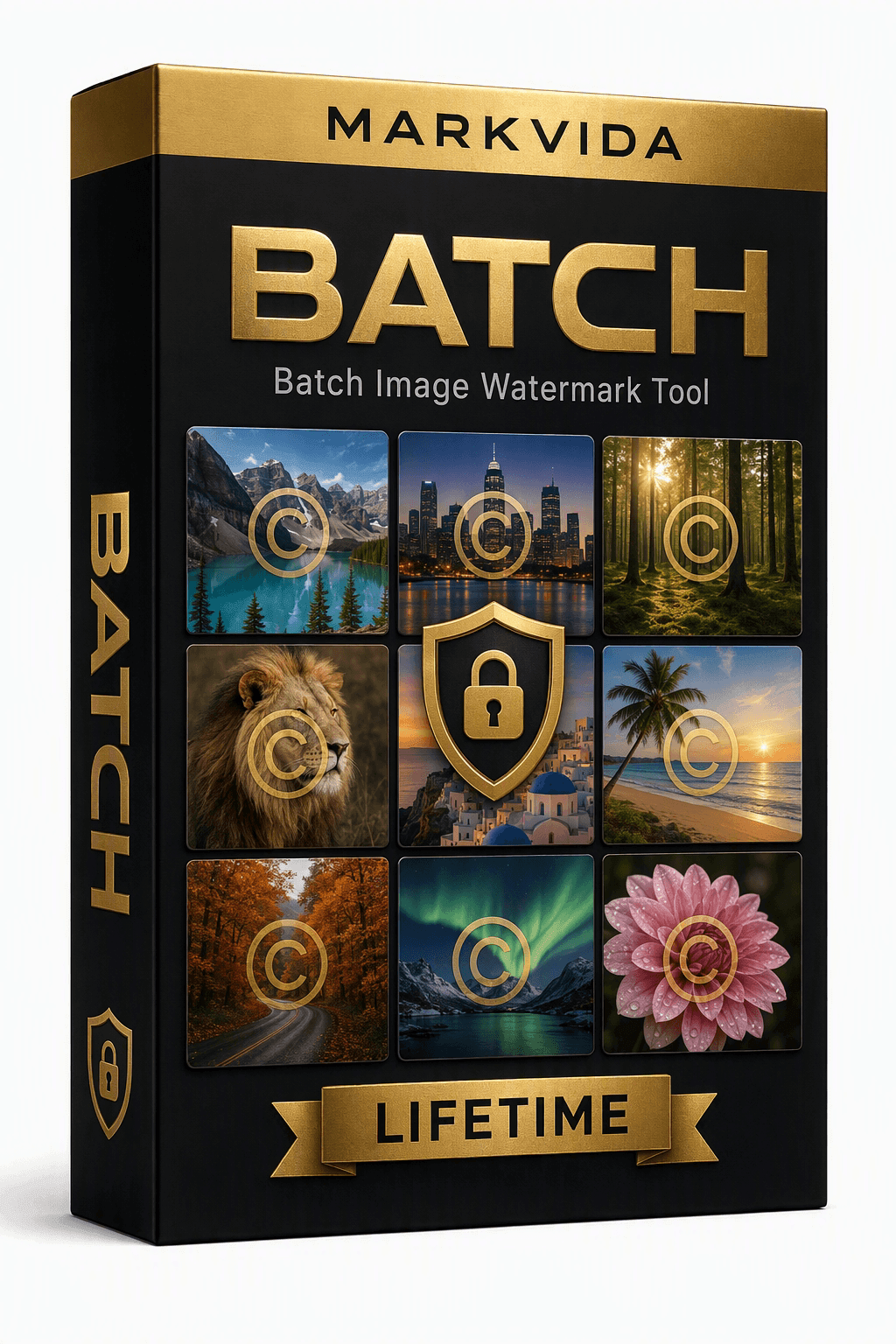
Lifetime
$39.99 one-time
Use forever on this PC. Includes updates for the current major version.
Buy lifetimeCheckout links will be added here. Until then, email markvidabatch@outlook.com after you choose a plan. Need more than one seat? Ask us about volume pricing.
1. Download the free trial and try every feature (up to 3 images per run).
2. Copy your 16-character machine code from the activation window.
3. Choose a plan and pay securely (card / PayPal). Paste the machine code into the order form, or email it to us.
4. Receive your activation code by email (within 24 hours), paste it in, click Activate — fully offline from then on.
Text, logo, sticker, and free-text watermarks. Unlimited images per batch after activation. All output options. English and 中文. One license is bound to one computer.
We never store your payment information. Monthly and yearly plans stay active for their term. When a term ends, you choose whether to buy again.
FAQ
Every feature, with a limit of 3 images per run. No time limit and no account.
No. Image processing and license activation both work offline.
One. Licenses are bound to a machine code. Contact us if you need extra seats or a genuine hardware replacement.
No. Results go to the output folder you choose. Duplicates are auto-renamed by default.
Need convert, compress, or rename? Use Markvida Toolkit. For video watermarks, use Markvida Watermark Studio. To sort trail-cam or family photos with AI, use Markvida TrailSort.
Download the free trial and watermark your first batch in under a minute.
Questions? markvidabatch@outlook.com