Smart AI sorting
A professional-grade object detection model runs on your PC and files every photo into Animals, People, Vehicles, or Empty — with live progress and an adjustable confidence level.
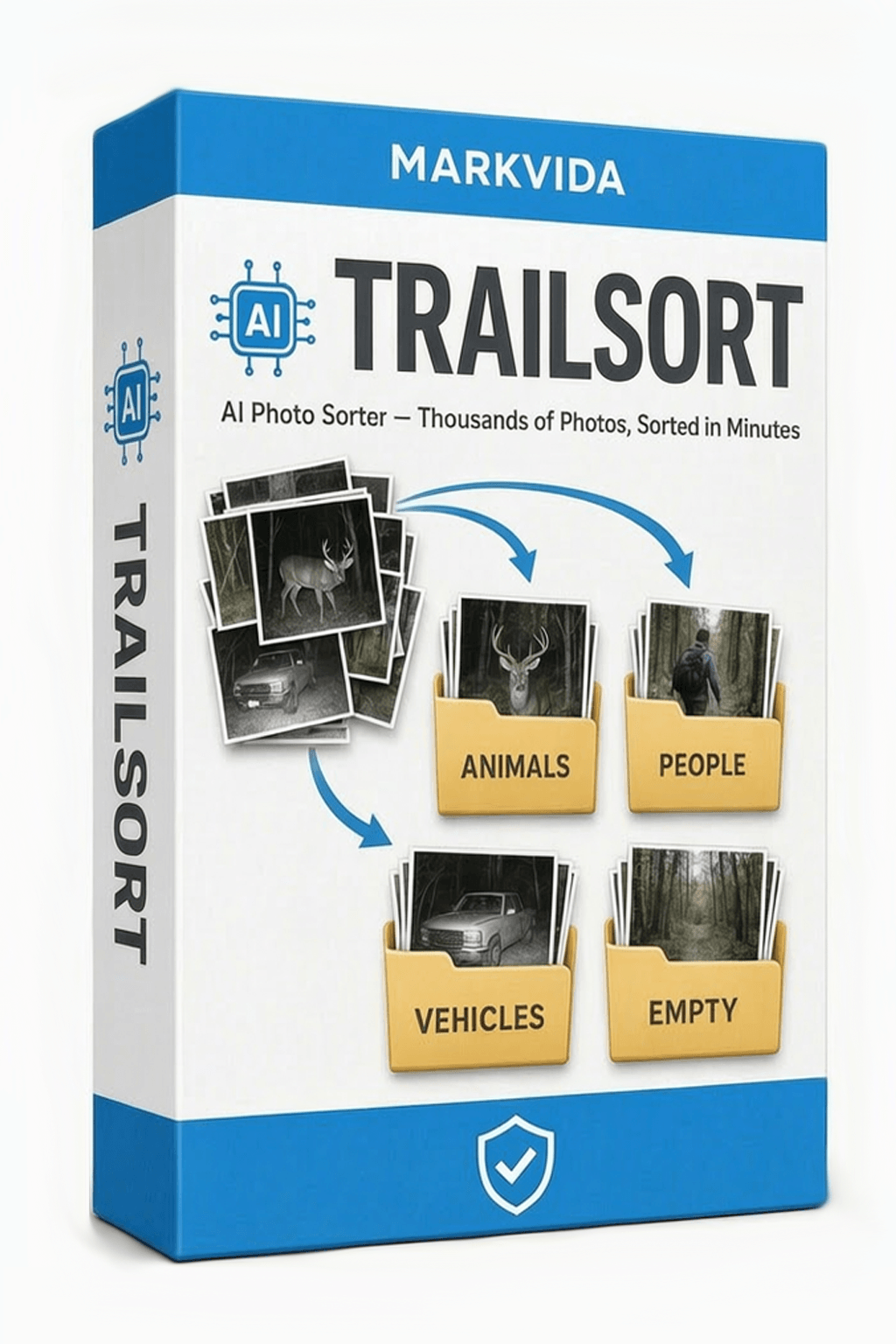
AI photo sorter for Windows
Point Markvida TrailSort at your trail camera SD card or a messy photo library — the on-device AI files every shot into Animals, People, Vehicles, and Empty. No uploads, no subscriptions, no hours of scrolling.
Windows 10 / 11, portable ZIP. Trial unlocks every feature, sorts up to 50 photos per run. No account required.
Monthly, yearly, or lifetime. Same full feature set on every plan. One license = one computer.
Features
A local AI engine reads every photo and decides what matters — you just review and archive.
A professional-grade object detection model runs on your PC and files every photo into Animals, People, Vehicles, or Empty — with live progress and an adjustable confidence level.
Trained on both trail camera scenes and daily photography. Sort a season of deer checks tonight, then point it at the family travel archive — same app, same one click.
Borderline shots land in a Review tray instead of being guessed. The app has no delete function at all — your originals are physically safe, and every archive can be undone.
DirectX 12 GPUs accelerate sorting automatically; older machines fall back to CPU and a low-priority overnight mode. Big jobs resume where they left off.
Copy photos into Animals / People / Vehicles folders with the original folder structure kept. Duplicate names auto-increment, every move is logged, and the last archive can be undone.
100% offline: no uploads, no cloud, no tracking. The AI model ships inside the app and never phones home.
How it works
Drop in a card, let the AI sort, then review and archive the keepers.
Insert your SD card (auto-detected), pick a folder, or drag & drop. JPG, PNG, BMP, and TIFF are all read — from any camera brand.
Press Start Sorting. Every photo is classified on your PC — a 5,000-photo card takes minutes on a GPU, or runs overnight in background mode on older laptops.
Check the tabs, fix any borderline shot with one keypress (A / P / V / E), then archive everything into tidy folders. Export a CSV for your records.
Screenshots
Tabs, badges, and detection boxes — everything you need to trust the sort.
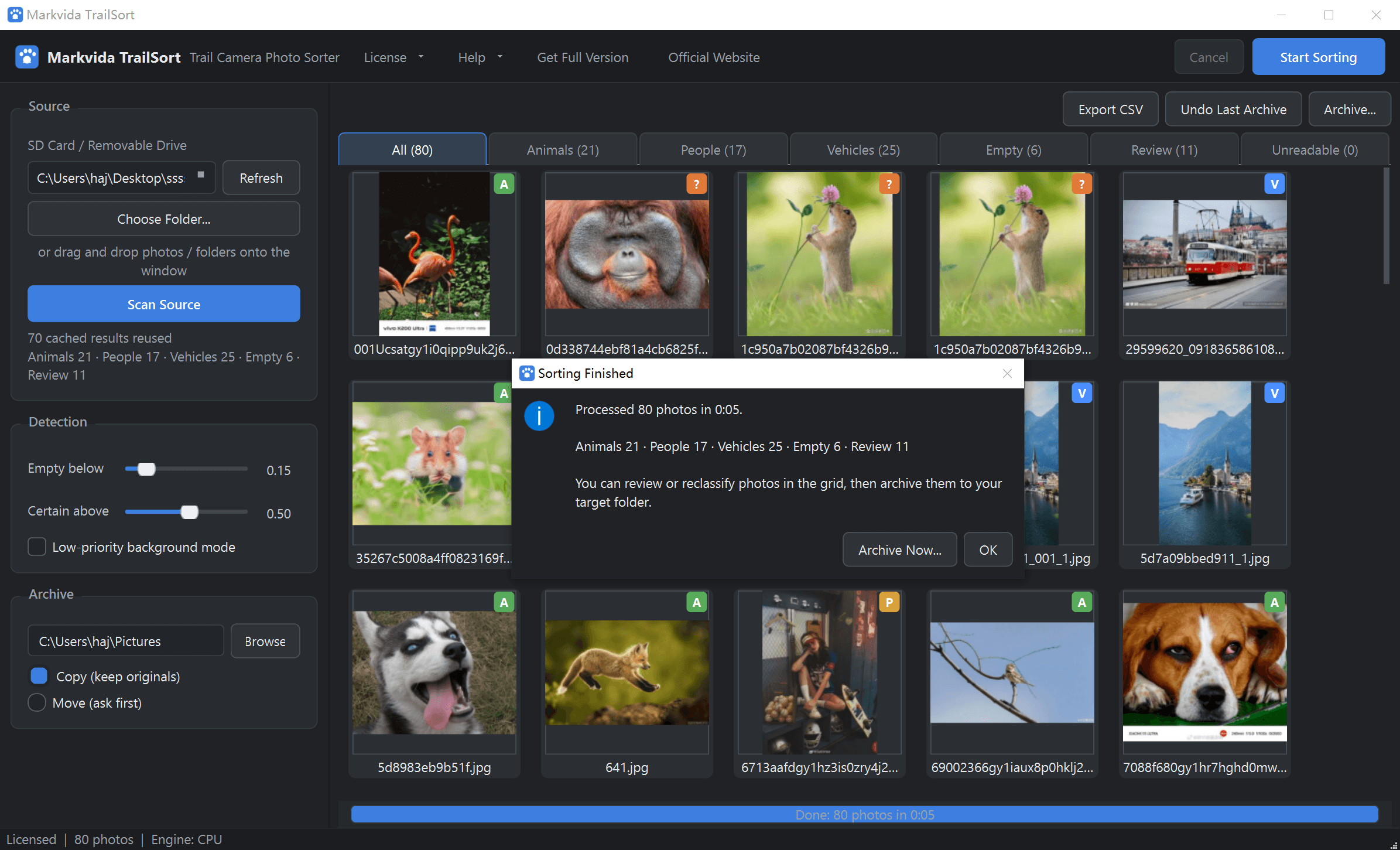
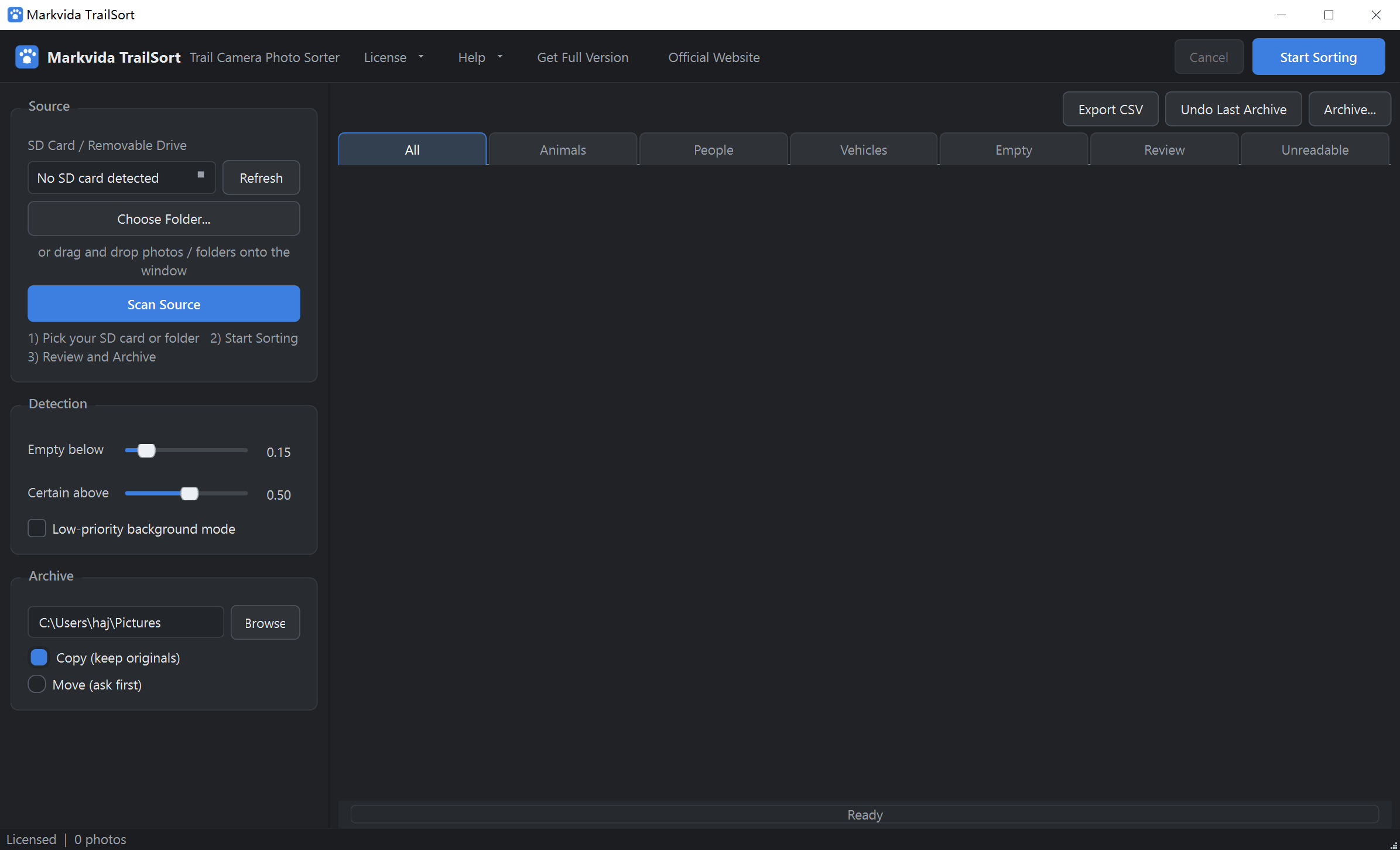
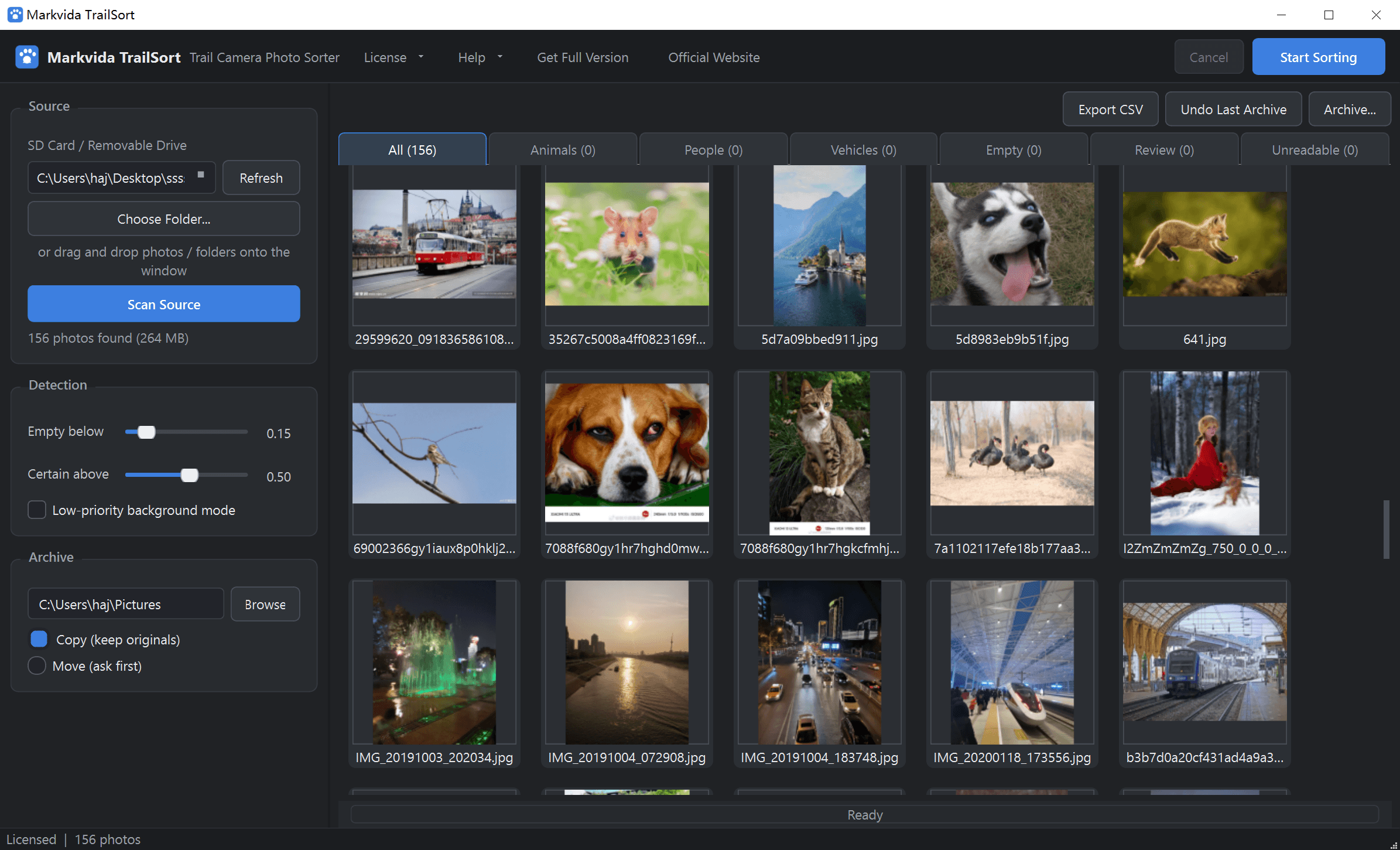
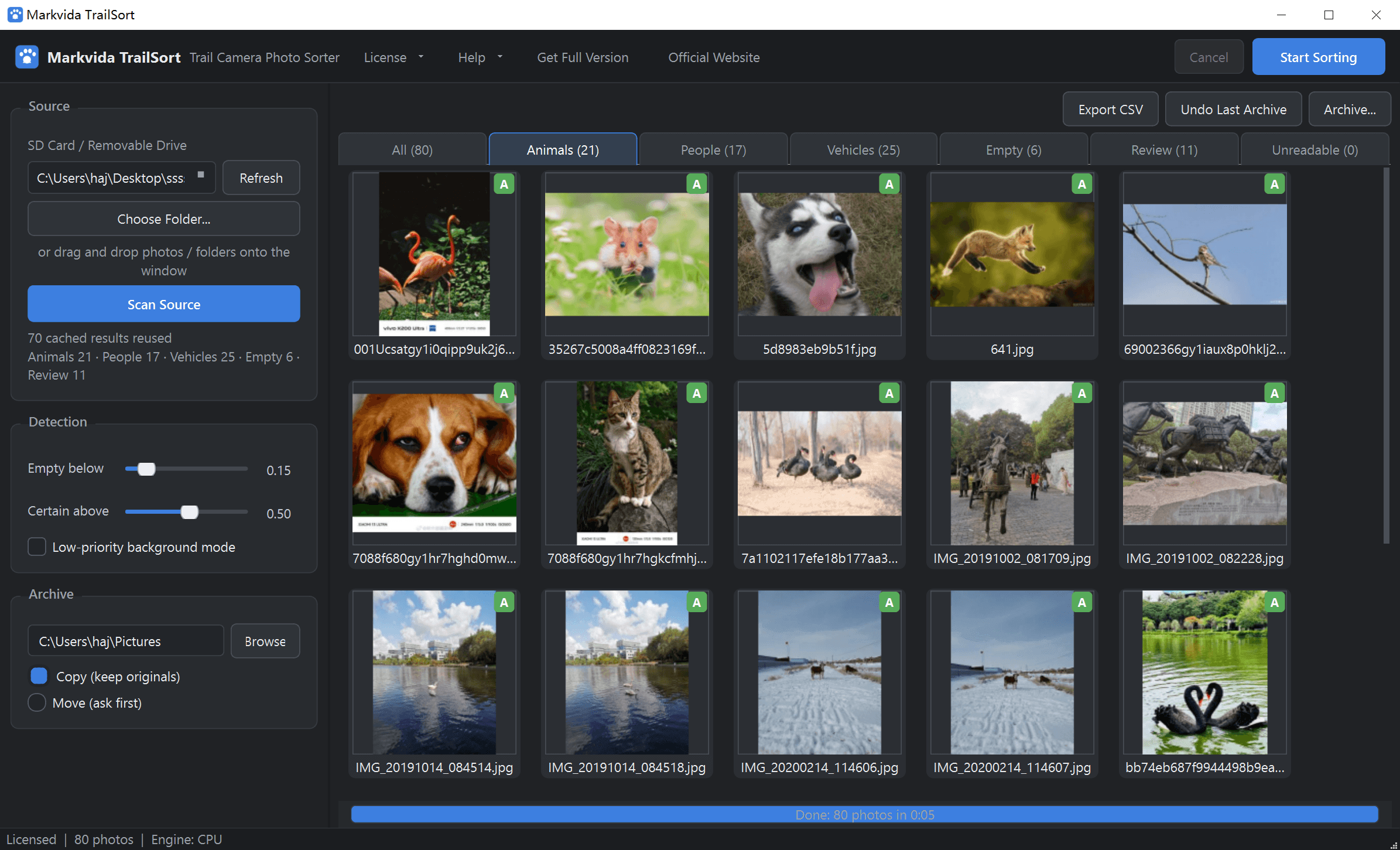
Offline activation: copy your 16-character machine code, paste the license, done.
The jobs that matter are 3,000 photos of wind-blown grass. TrailSort chews through them and hands you the 40 that count.
Download
Unzip and run. No installer, no account, no internet required to sort.
AI photo sorter for Windows 10 / 11
The trial is unlimited in time. Activate any paid plan to remove the 50-photo cap.
| Operating system | Windows 10 / 11 (64-bit). macOS and Linux are not supported. |
|---|---|
| Processor | Any modern x64 CPU. Multi-core speeds up large batches. |
| Memory | 4 GB minimum, 8 GB recommended. |
| Disk | 1 GB for the app (AI model included), plus space for archived copies. |
| Display | 1280 × 800 or higher. 4K / high-DPI scaling is supported. |
| Graphics | Optional — any DirectX 12 capable GPU enables automatic acceleration. |
| Internet | Not required. Sorting and activation work offline. |
| Permissions | Standard user account. No administrator rights. |
Extract the ZIP anywhere and double-click MarkvidaTrailSort.exe.
Insert an SD card, pick a folder, or drag & drop. Press Start Sorting.
Fix borderline shots with one key, then archive into tidy folders.
Original folder structure is kept. Empty photos stay out unless you opt in.
Buy
Every plan unlocks the full feature set. One license = one computer. No auto-renewal.
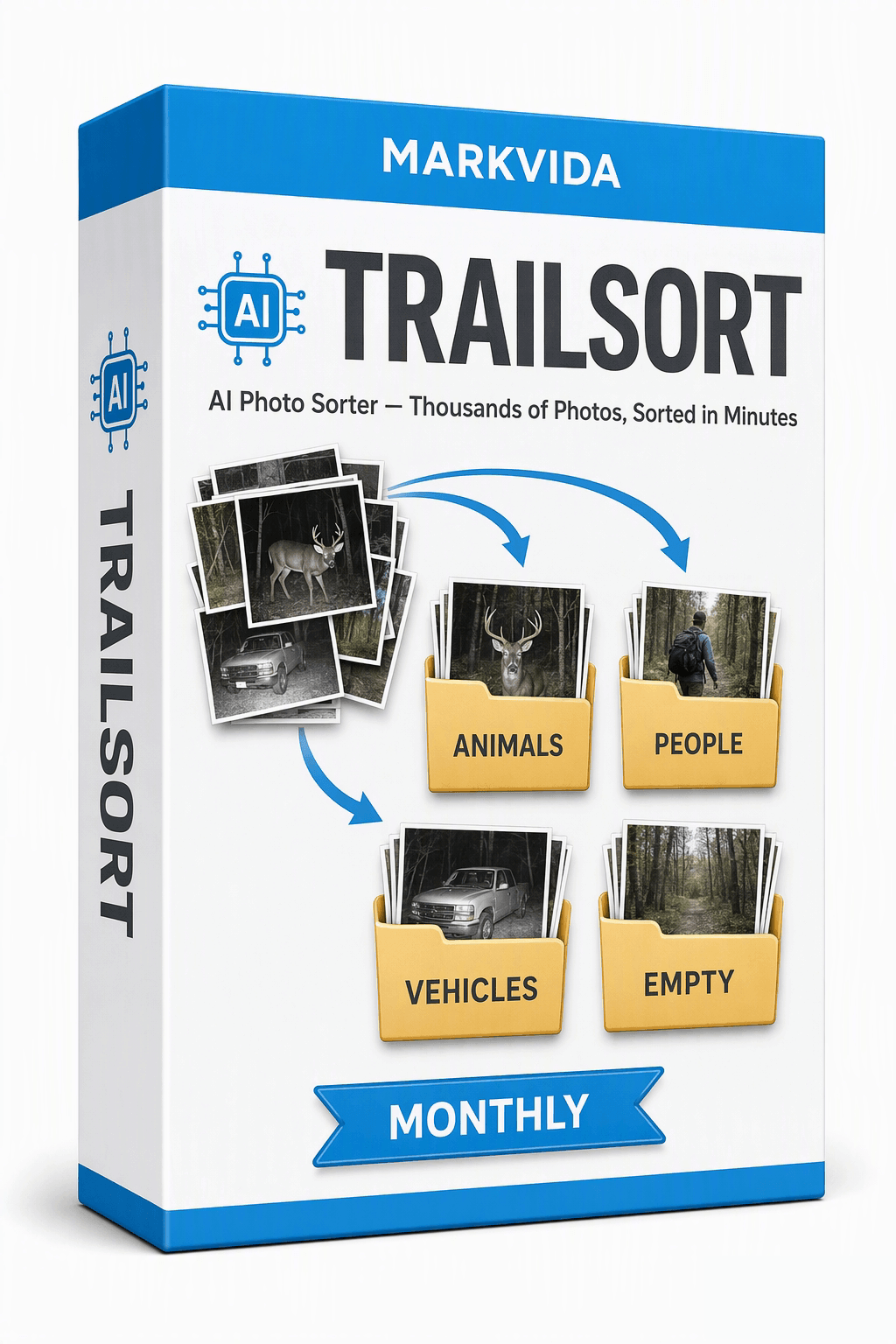
Monthly
$2.99 / month
Sort one hunting season or one big cleanup, one month at a time. Cancel anytime — we never store a card on file.
Buy monthly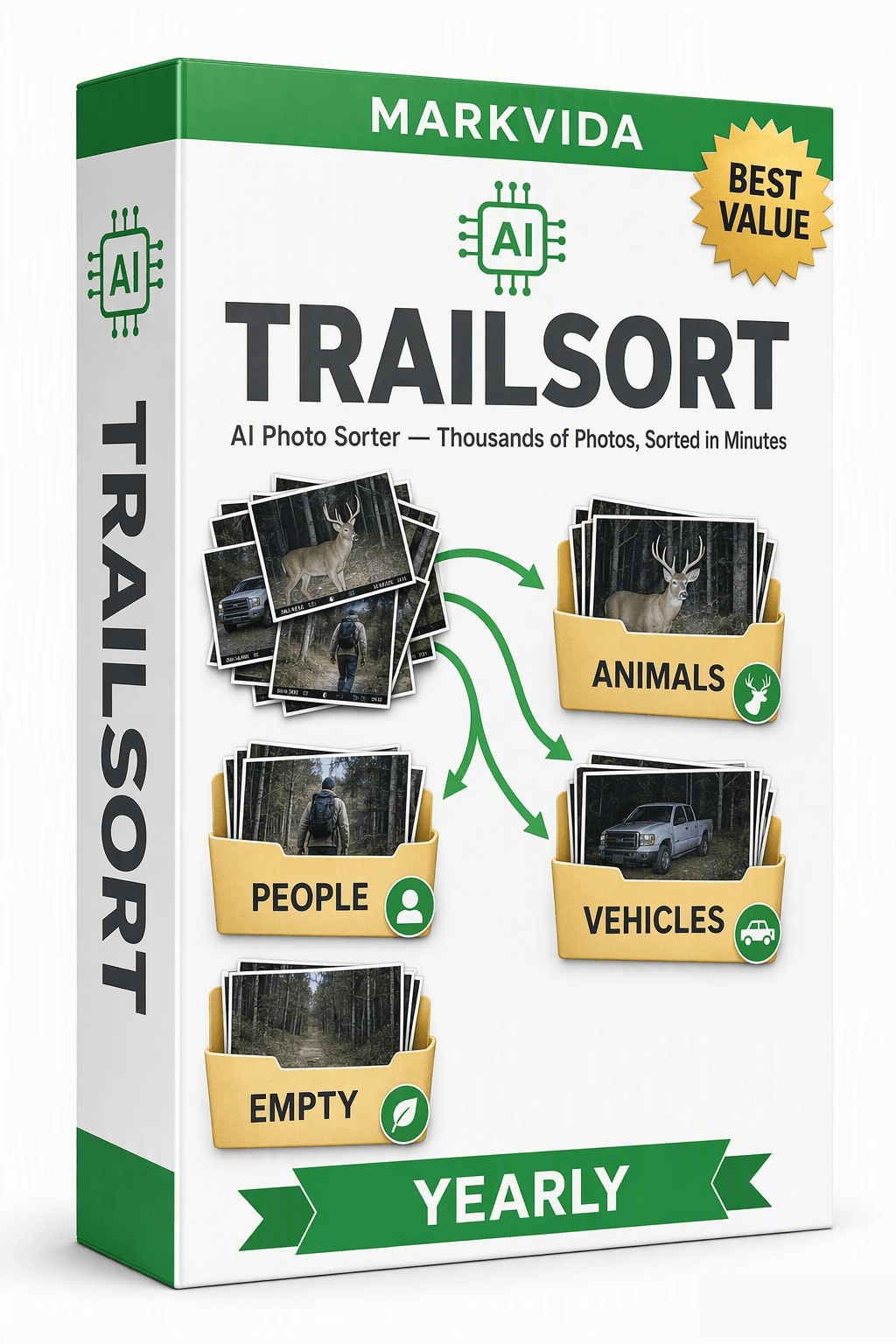
Yearly
$29.99 / year$39.99
Best for trail cam users and photo hoarders who sort every month. Updates and support for 12 months.
Buy yearly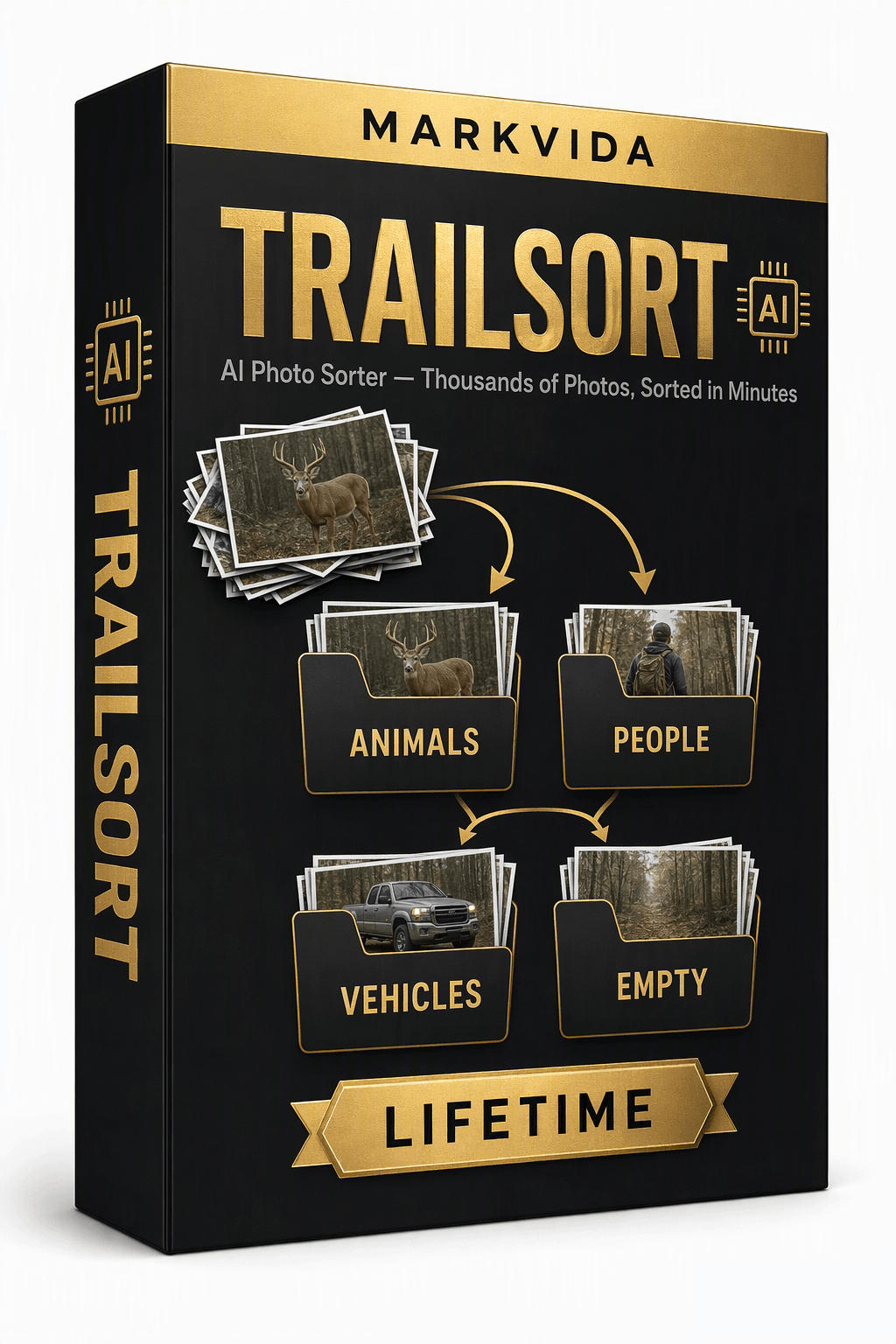
Lifetime
$49.99 one-time
Use forever on this PC. Includes updates for the current major version. Launch special: $39.99 for early users.
Buy lifetimeCheckout links will be added here. Until then, email markvidabatch@outlook.com after you choose a plan. Need more than one seat? Ask us about volume pricing.
1. Download the free trial and try every feature (sorts up to 50 photos per run).
2. Copy your 16-character machine code from the activation window.
3. Choose a plan and pay securely (card / PayPal). Paste the machine code into the order form, or email it to us.
4. Receive your activation code by email (within 24 hours), paste it in, click Activate — fully offline from then on.
AI sorting into Animals / People / Vehicles / Empty, the Review safety tray, one-click archive with undo, CSV export, English and 中文. One license is bound to one computer.
We never store your payment information. Monthly and yearly plans stay active for their term. When a term ends, you choose whether to buy again.
FAQ
Every feature, with a limit of 50 photos per run. No time limit and no account.
No. Sorting and license activation both work offline.
Yes — the engine is trained on everyday photography too. Family archives, travel folders, and mixed libraries all sort the same way.
All transport: cars, trucks, motorcycles, bicycles, buses, trains, boats, and planes. Reclassifying anything takes one keypress.
The app has no delete function at all. Borderline shots go to a Review tray, and Empty photos are excluded from archiving unless you opt in.
Any brand. If the card holds JPG / PNG / BMP / TIFF photos, TrailSort reads them. Cellular camera photos already on your PC work too.
V1 sorts into Animals / People / Vehicles / Empty. Species recognition is on the roadmap.
Yes — it falls back to CPU automatically and has a low-priority overnight mode. A DirectX 12 GPU just makes it faster.
One. Contact us for extra seats or a genuine hardware replacement.
Use our sister products: Markvida Batch for images and Markvida Watermark Studio for video. For convert, compress, and rename, use Markvida Toolkit.
Download the free trial and watch 5,000 photos sort themselves.
Questions? markvidabatch@outlook.com